




















Exporting and Printing a Dashboard from Code
Наши примеры проектов и шаблоны отчётов помогут Вам разобраться в основах работы с нашими продуктами.A dashboard can be exported or printed straight to the browser without a viewer — to a file on the server, or streamed to the user as a download.
Export to a file, or stream as a download.
How it works. The prepared dashboard is format-agnostic, so the same load can be saved server-side or pushed to the user for download or printing.
На скриншоте ниже Вы можете увидеть результат выполнения данного кода:
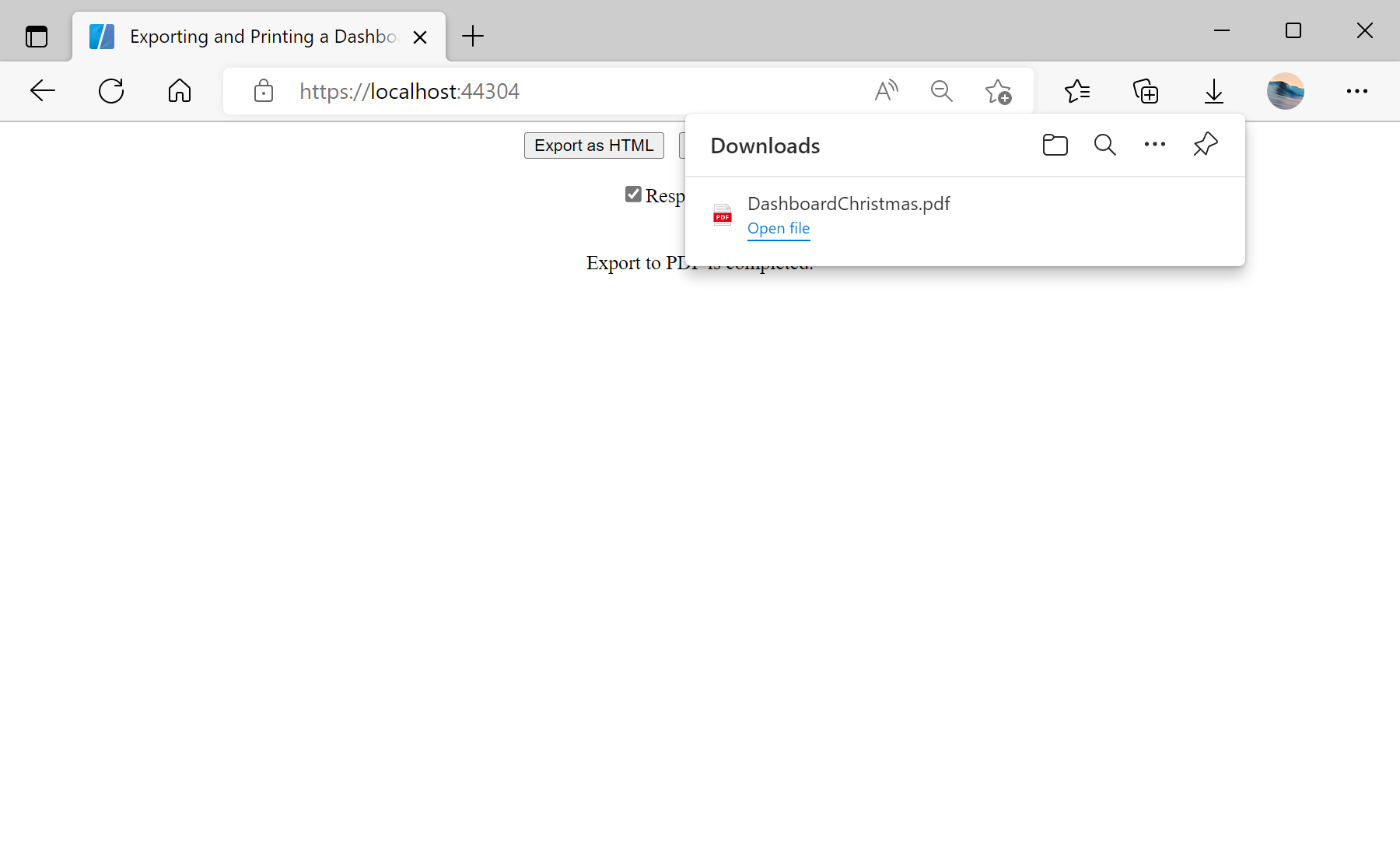
Export to a file, or stream as a download.
var report = StiReport.CreateNewDashboard();
report.Load("Dashboards/DashboardChristmas.mrt");

// Save to a file on the server...
report.ExportDocument(StiExportFormat.Pdf, exportFilePath);

// ...or stream it to the browser
StiReportResponse.ResponseAsPdf(report);   // ResponseAsHtml, PrintAsPdf
ExportDocument(format, path)— writes the dashboard to a file in the chosenStiExportFormat.StiReportResponse.ResponseAsPdf/ResponseAsHtmlstreams the result to the browser;PrintAsPdfsends it to print.- Browser responses need
StiBlazorHelper.Initialize(JSRuntime)once inOnInitialized.
How it works. The prepared dashboard is format-agnostic, so the same load can be saved server-side or pushed to the user for download or printing.
На скриншоте ниже Вы можете увидеть результат выполнения данного кода: