




















Exporting a Dashboard from Code
Наши примеры проектов и шаблоны отчётов помогут Вам разобраться в основах работы с нашими продуктами.A whole dashboard — or a single element — can be exported to PDF or Excel straight from JavaScript.
Export the whole dashboard.
How it works. Both the dashboard and its individual elements render to file bytes on the client, so users can save the whole board or one panel.
На скриншоте ниже Вы можете увидеть результат выполнения данного кода:
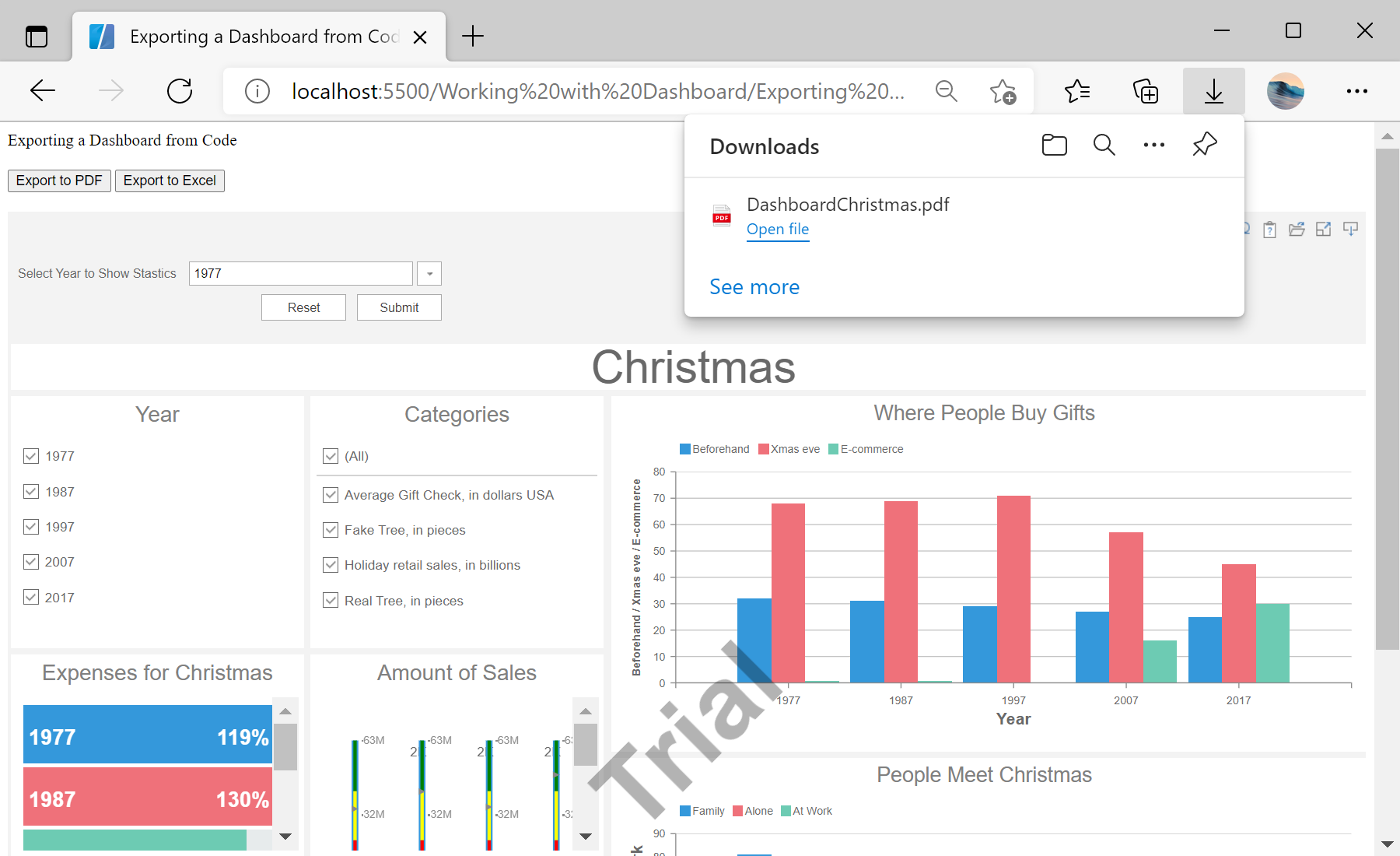
Export the whole dashboard.
report.exportDocumentAsync(function (data) {
    Stimulsoft.System.StiObject.saveAs(data, report.reportName + ".pdf", "application/pdf");
}, Stimulsoft.Report.StiExportFormat.Pdf); // or Excel2007var chart = report.getComponentByName("Chart1");
Stimulsoft.Dashboard.Export.StiDashboardExportTools.exportAsync(function (data) {
Stimulsoft.System.StiObject.saveAs(data, report.reportName + ".pdf", "application/pdf");
}, chart, Stimulsoft.Report.StiExportFormat.Pdf);report.exportDocumentAsync(callback, format)— export the entire dashboard.StiDashboardExportTools.exportAsync(callback, element, format)— export just one element (chart, table, …).
How it works. Both the dashboard and its individual elements render to file bytes on the client, so users can save the whole board or one panel.
На скриншоте ниже Вы можете увидеть результат выполнения данного кода: