




















Loading Scripts in Part to Minify Project
Наши примеры проектов и шаблоны отчётов помогут Вам разобраться в основах работы с нашими продуктами.Dashboards.JS is modular — instead of the whole library, include only the parts your page needs to keep the download small.
Include only the modules you use.
How it works. Because the library is split by feature, omitting unused modules shrinks the total script payload the browser must load.
На скриншоте ниже Вы можете увидеть результат выполнения данного кода:
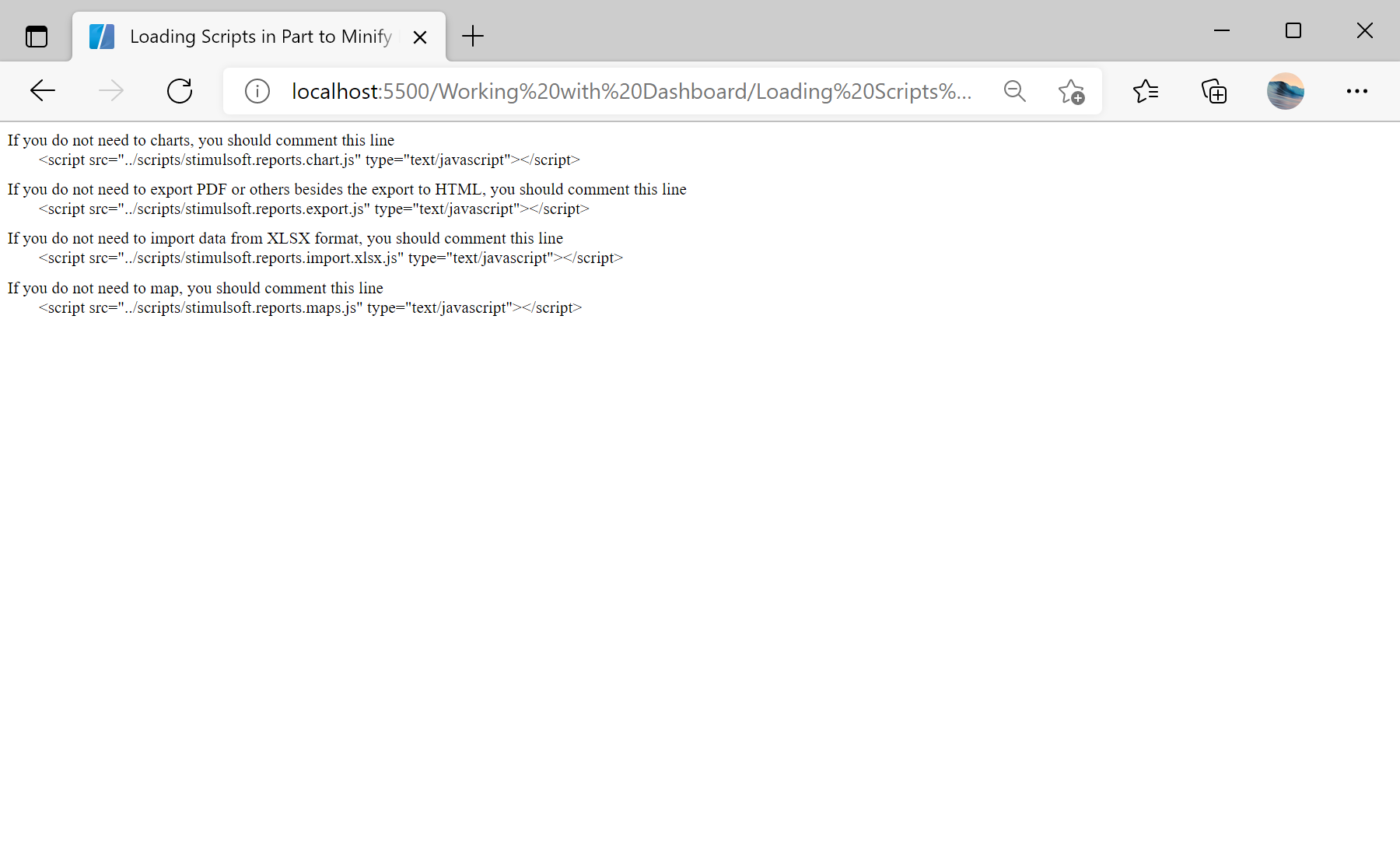
Include only the modules you use.
<script src="../scripts/stimulsoft.reports.engine.js"></script>
<script src="../scripts/stimulsoft.reports.chart.js"></script>       <!-- omit if no charts -->
<script src="../scripts/stimulsoft.reports.export.js"></script>      <!-- omit if only HTML export -->
<script src="../scripts/stimulsoft.reports.import.xlsx.js"></script> <!-- omit if no XLSX import -->
<script src="../scripts/stimulsoft.reports.maps.js"></script>        <!-- omit if no maps -->
<script src="../scripts/stimulsoft.dashboards.js"></script>stimulsoft.reports.engine.js+stimulsoft.dashboards.js— the core engine and dashboard module, always required.- Each extra module (charts, export, XLSX import, maps) is optional — drop the ones you do not use.
How it works. Because the library is split by feature, omitting unused modules shrinks the total script payload the browser must load.
На скриншоте ниже Вы можете увидеть результат выполнения данного кода: