




















Showing the Dashboard Designer Immediately after Running an App
Наши примеры проектов и шаблоны отчётов помогут Вам разобраться в основах работы с нашими продуктами.The dashboard designer can be shown as soon as the page loads. This example creates the designer and dashboard on start-up.
Designer setup. Configure the designer, load the dashboard template, process its callbacks, and connect the save action to the application.
На скриншоте ниже Вы можете увидеть результат выполнения данного кода:
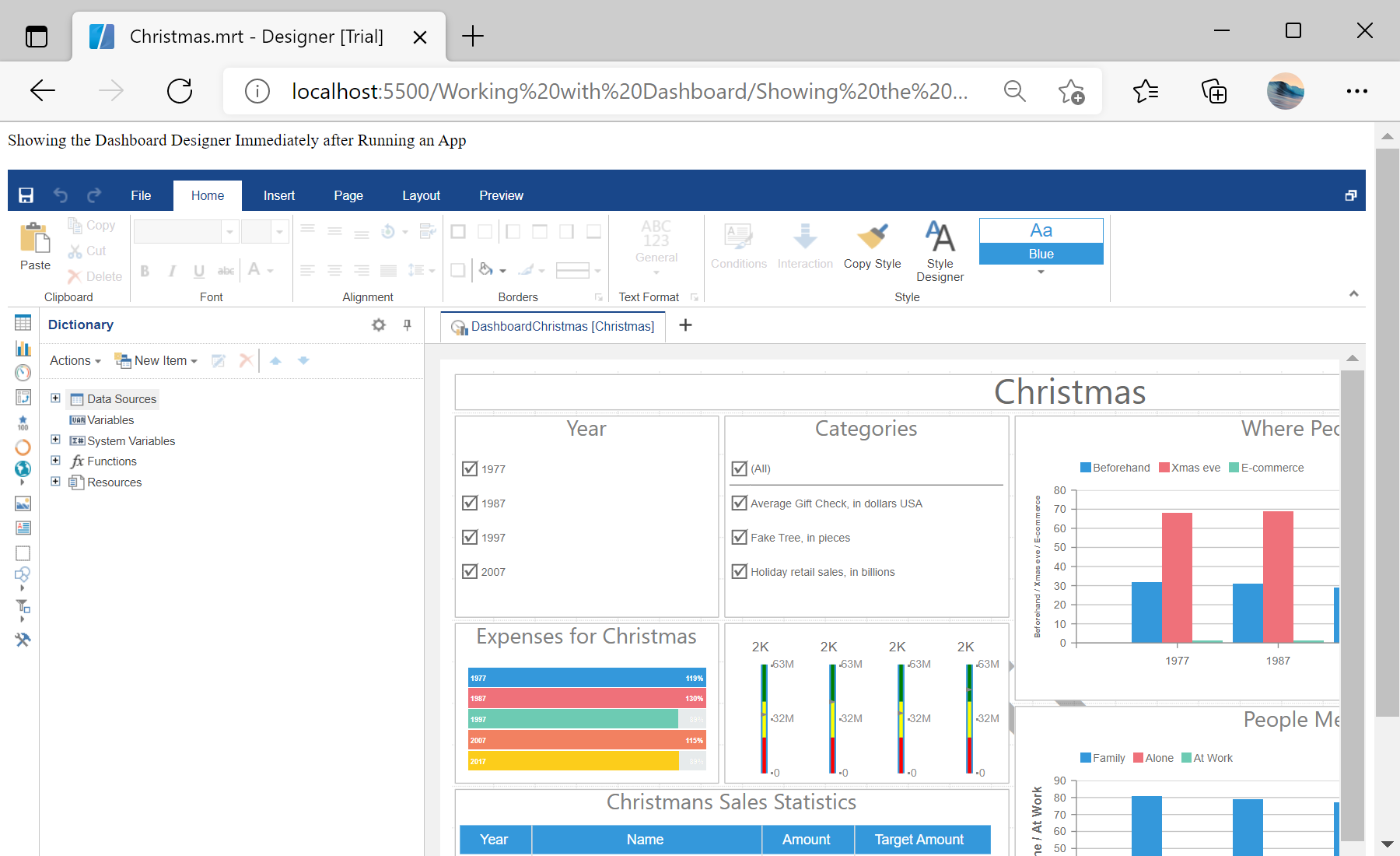
Designer setup. Configure the designer, load the dashboard template, process its callbacks, and connect the save action to the application.
var designer = new Stimulsoft.Designer.StiDesigner();

var report = Stimulsoft.Report.StiReport.createNewDashboard();
report.loadFile("../dashboard/Christmas.mrt");
designer.report = report;На скриншоте ниже Вы можете увидеть результат выполнения данного кода: