




















Loading a Dashboard from the Server-Side
Наши примеры проектов и шаблоны отчётов помогут Вам разобраться в основах работы с нашими продуктами.On Node.js the Stimulsoft engine renders dashboards server-side through the stimulsoft-dashboards-js package.
Loading the template. Create the dashboard, load the template from the demonstrated source, and pass it to the next rendering, viewing, or export step.
The server renders the dashboard and returns it with
На скриншоте ниже Вы можете увидеть результат выполнения данного кода:
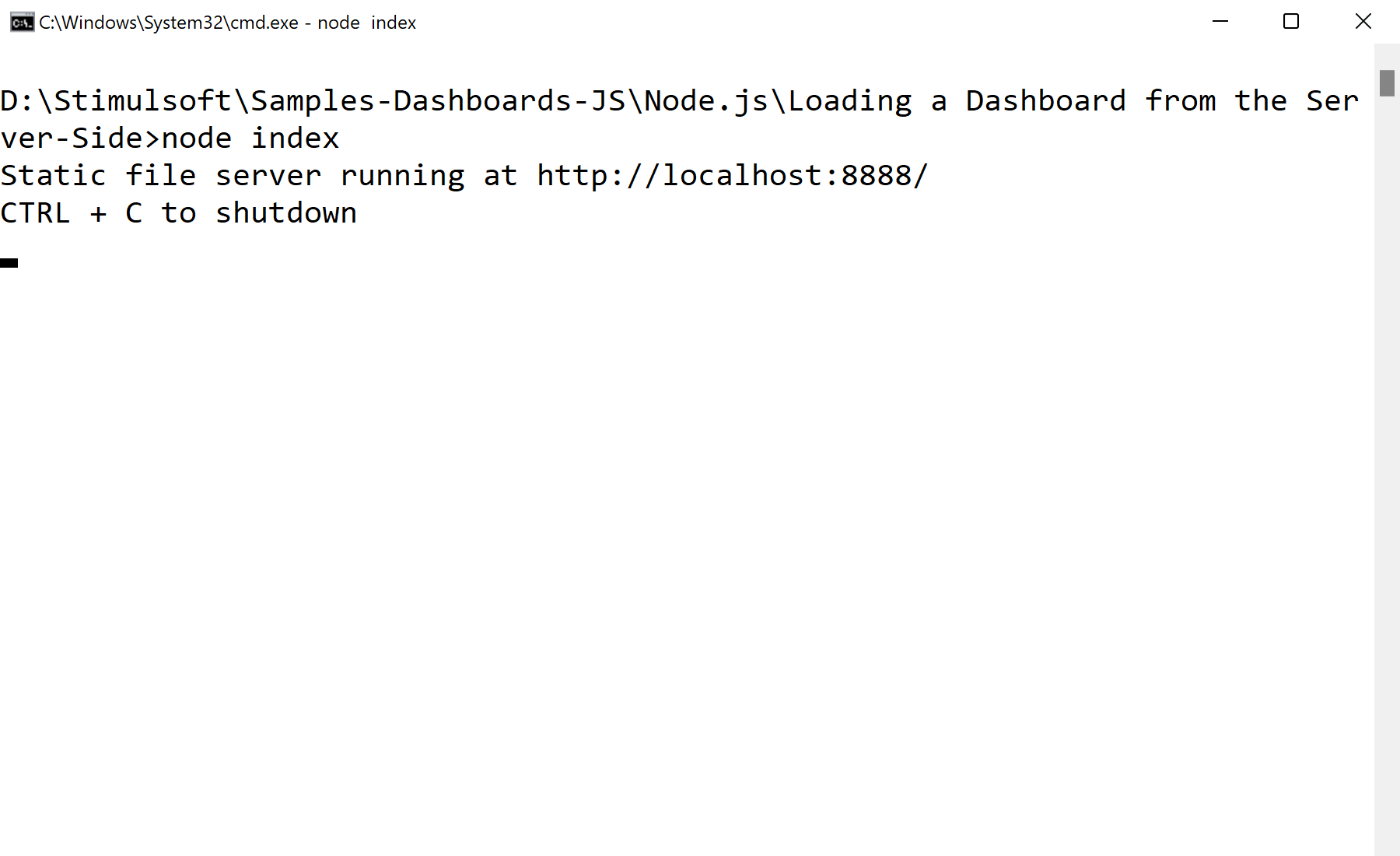
Loading the template. Create the dashboard, load the template from the demonstrated source, and pass it to the next rendering, viewing, or export step.
var http = require("http");
var fs = require('fs');

// Stimulsoft Dashboards module
var Stimulsoft = require("stimulsoft-dashboards-js");

async function accept(req, res) {
	//Send index.html
	if (req.url == "/") {
		res.writeHeader(200, { "Content-Type": "text/html" });
		res.end(fs.readFileSync("index.html"));
	}
	//Send reports.js
	else if (req.url == "/stimulsoft.reports.js") {
		res.writeHeader(200, { "Content-Type": "text/javascript" });
		res.end(fs.readFileSync("node_modules/stimulsoft-dashboards-js/Scripts/stimulsoft.reports.js"));
	}
	//Send dashboards.js
	else if (req.url == "/stimulsoft.dashboards.js") {
		res.writeHeader(200, { "Content-Type": "text/javascript" });
		res.end(fs.readFileSync("node_modules/stimulsoft-dashboards-js/Scripts/stimulsoft.dashboards.js"));
	}
	//Send viewer.js
	else if (req.url == "/stimulsoft.viewer.js") {
		res.writeHeader(200, { "Content-Type": "text/javascript" });
		res.end(fs.readFileSync("node_modules/stimulsoft-dashboards-js/Scripts/stimulsoft.viewer.js"));
	}
	//Send dashboard
	else if (req.url == "/getDashboard") {
		// Creating new dashboard
		var report = Stimulsoft.Report.StiReport.createNewDashboard();
		// Loading dashboard template
		report.loadFile("Dashboard.mrt");

		// Saving dashboard to JSON string
		var dashboardJson = await report.saveSnapshot();

		//Send dashboard
		res.end(dashboardJson);
	}
}

console.log("Static file server running at http://localhost:" + 8888 + "/\nCTRL + C to shutdown");
//The HTTP server run on port 8888
http.createServer(accept).listen(8888);
The server renders the dashboard and returns it with
saveDocumentToJsonString; the browser viewer loads that JSON and displays it. Rendering happens on the server while the client only shows the result.На скриншоте ниже Вы можете увидеть результат выполнения данного кода: