




















Localizing the Designer
Наши примеры проектов и шаблоны отчётов помогут Вам разобраться в основах работы с нашими продуктами.The designer interface can be shown in different languages, with several localization files at once.
Designer setup. Configure the designer, load the dashboard template, process its callbacks, and connect the save action to the application.
На скриншоте ниже Вы можете увидеть результат выполнения данного кода:
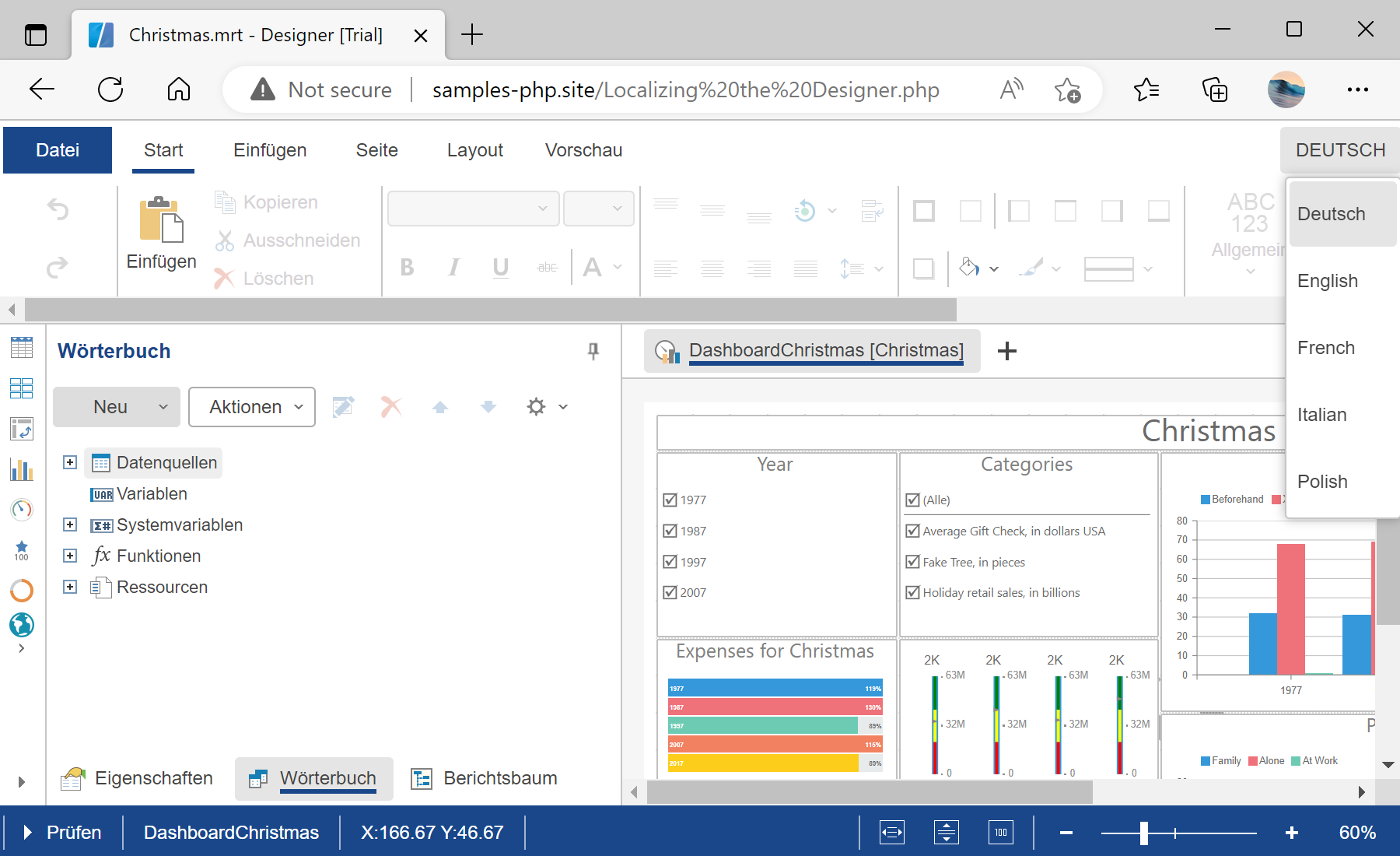
Designer setup. Configure the designer, load the dashboard template, process its callbacks, and connect the save action to the application.
$designer = new StiDesigner();
$designer->options->localization = 'de.xml';
$designer->options->addLocalization('fr.xml');
$designer->options->addLocalization('es.xml');
$designer->process();
options->localization sets the active language and addLocalization registers additional ones the user can switch to.На скриншоте ниже Вы можете увидеть результат выполнения данного кода: