




















Exporting and Printing a Dashboard from Code
Наши примеры проектов и шаблоны отчётов помогут Вам разобраться в основах работы с нашими продуктами.A dashboard can be printed or exported straight to the HTTP response — no viewer needed. Each action loads the dashboard and returns it in the chosen format.
Load the dashboard, then respond in a format.
How it works. The prepared dashboard is format-agnostic, so each controller action just picks how to serialize the same document.
На скриншоте ниже Вы можете увидеть результат выполнения данного кода:
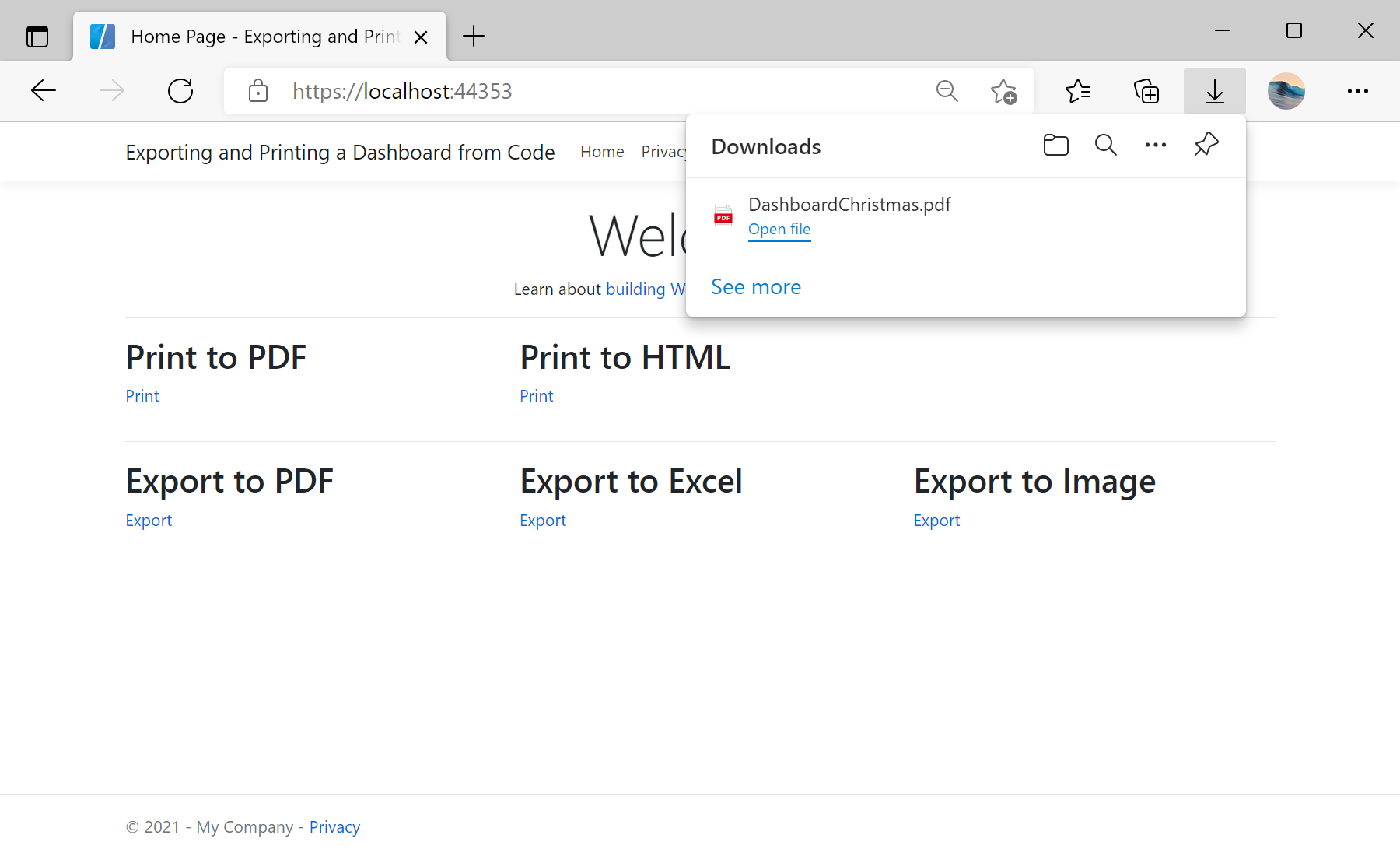
Load the dashboard, then respond in a format.
private StiReport GetDashboard()
{
    var report = StiReport.CreateNewDashboard();
    report.Load(StiNetCoreHelper.MapPath(this, "Dashboards/DashboardChristmas.mrt"));
    return report;
}

public IActionResult ExportPdf()   => StiNetCoreReportResponse.ResponseAsPdf(GetDashboard());
public IActionResult ExportExcel() => StiNetCoreReportResponse.ResponseAsExcel2007(GetDashboard());
public IActionResult PrintPdf() => StiNetCoreReportResponse.PrintAsPdf(GetDashboard());StiNetCoreReportResponse.ResponseAsPdf/ResponseAsExcel2007/ResponseAsPng— stream the dashboard to the browser in that format.PrintAsPdf/PrintAsHtml— send it straight to the browser's print flow.
How it works. The prepared dashboard is format-agnostic, so each controller action just picks how to serialize the same document.
На скриншоте ниже Вы можете увидеть результат выполнения данного кода: