




















Creating Dashboard at Runtime
Наши примеры проектов и шаблоны отчётов помогут Вам разобраться в основах работы с нашими продуктами.A dashboard can be built entirely in code — table elements, dimension columns and filters — without a designed template.
Register data and add elements.
How it works. Building the element tree in code is equivalent to designing it visually, so the dashboard renders identically to a template-based one.
На скриншоте ниже Вы можете увидеть результат выполнения данного кода:
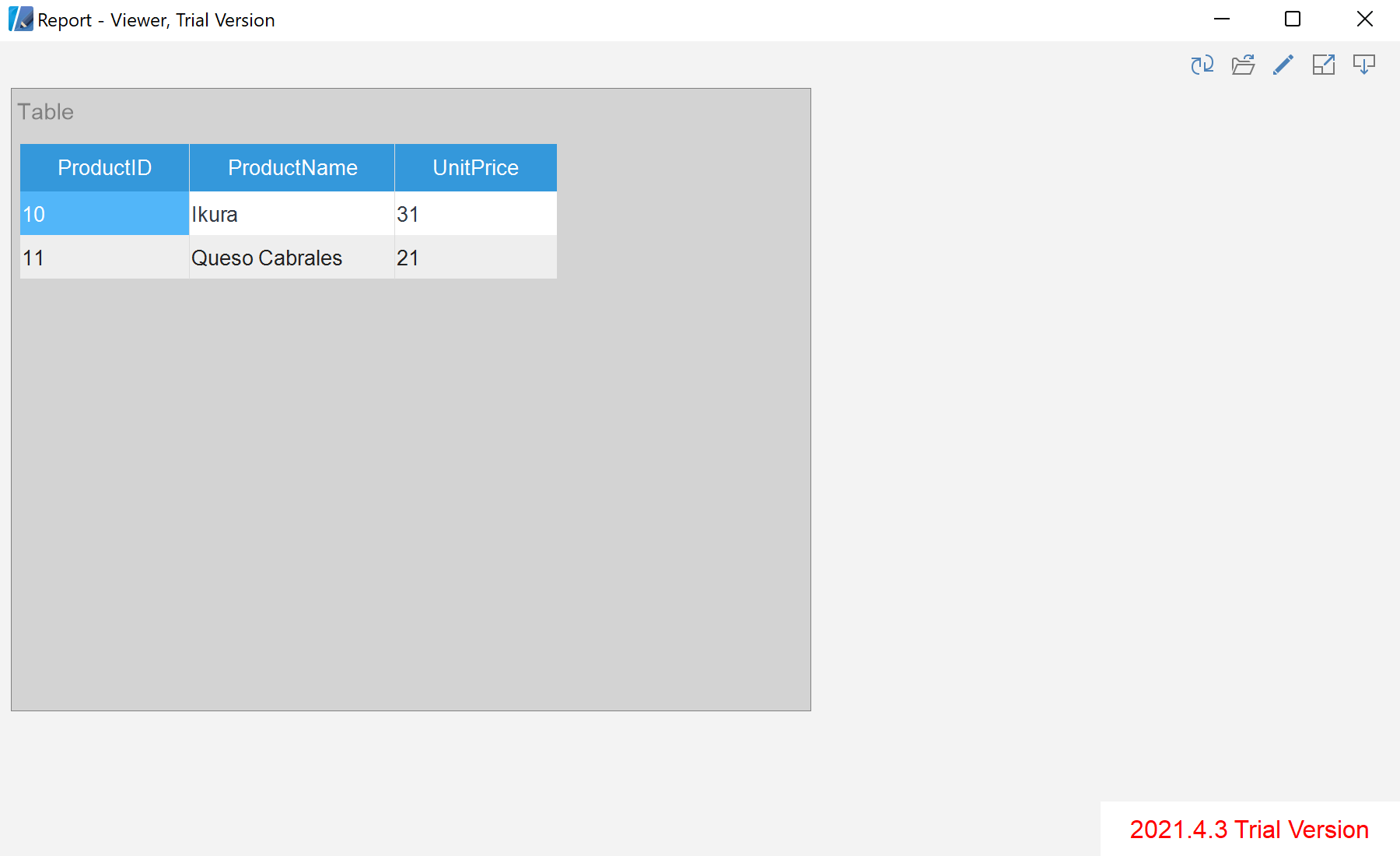
Register data and add elements.
var report = StiReport.CreateNewDashboard();
var dashboard = report.Pages[0] as StiDashboard;

var data = new DataSet();
data.ReadXml("Data/Demo.xml");
report.RegData(data);
report.Dictionary.Synchronize();

var table = new StiTableElement { Left = 0, Top = 0, Width = 700, Height = 500, Name = "Example" };
table.Columns.Add(new StiDimensionColumn { Expression = "Products.ProductName" });
table.Columns.Add(new StiDimensionColumn { Expression = "Products.UnitPrice" });
table.DataFilters.Add(new StiDataFilterRule {
    Condition = StiDataFilterCondition.BeginningWith, Path = "Products.ProductID", Value = "1" });

dashboard.Components.Add(table);
report.Pages[0] as StiDashboard— the dashboard surface to add elements to.StiTableElementwithStiDimensionColumn— a table and the fields it displays.StiDataFilterRule— filters applied to the element's data.
How it works. Building the element tree in code is equivalent to designing it visually, so the dashboard renders identically to a template-based one.
На скриншоте ниже Вы можете увидеть результат выполнения данного кода: