




















Exporting a Dashboard Asynchronously
Наши примеры проектов и шаблоны отчётов помогут Вам разобраться в основах работы с нашими продуктами.Exporting a dashboard through the
Export without blocking.
How it works. The export runs asynchronously, so the form stays interactive until the file is written.
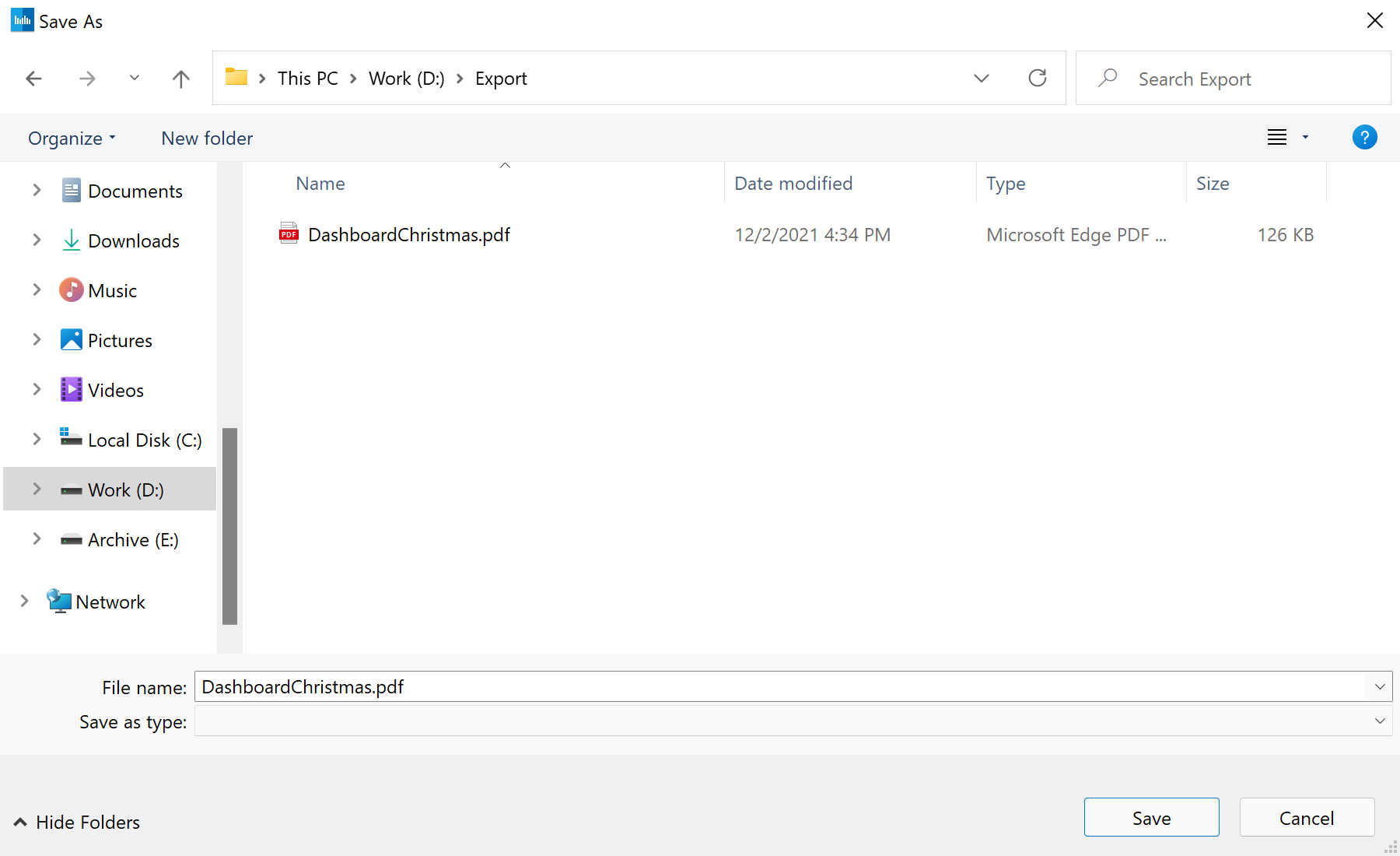
На скриншоте ниже Вы можете увидеть результат выполнения данного кода:
async API keeps the UI responsive during long exports.Export without blocking.
Report = StiReport.CreateNewDashboard();
Report.Load("Dashboards\\DashboardChristmas.mrt");

await Report.ExportDocumentAsync(StiExportFormat.Pdf, "Dashboard.pdf");
ExportDocumentAsync(format, path)— renders and writes the file off the UI thread.- Because it is awaited, a status label or progress indicator can update while the export runs.
How it works. The export runs asynchronously, so the form stays interactive until the file is written.
На скриншоте ниже Вы можете увидеть результат выполнения данного кода: