




















Editing a Report Template in the Designer
Наши примеры проектов и шаблоны отчётов помогут Вам разобраться в основах работы с нашими продуктами.Embed the report designer in Server, load a template, and connect its editing and save actions.
Designer setup. Configure the designer, load the report template, process its callbacks, and connect the save action to the application.
На скриншоте ниже Вы можете увидеть результат выполнения данного кода:
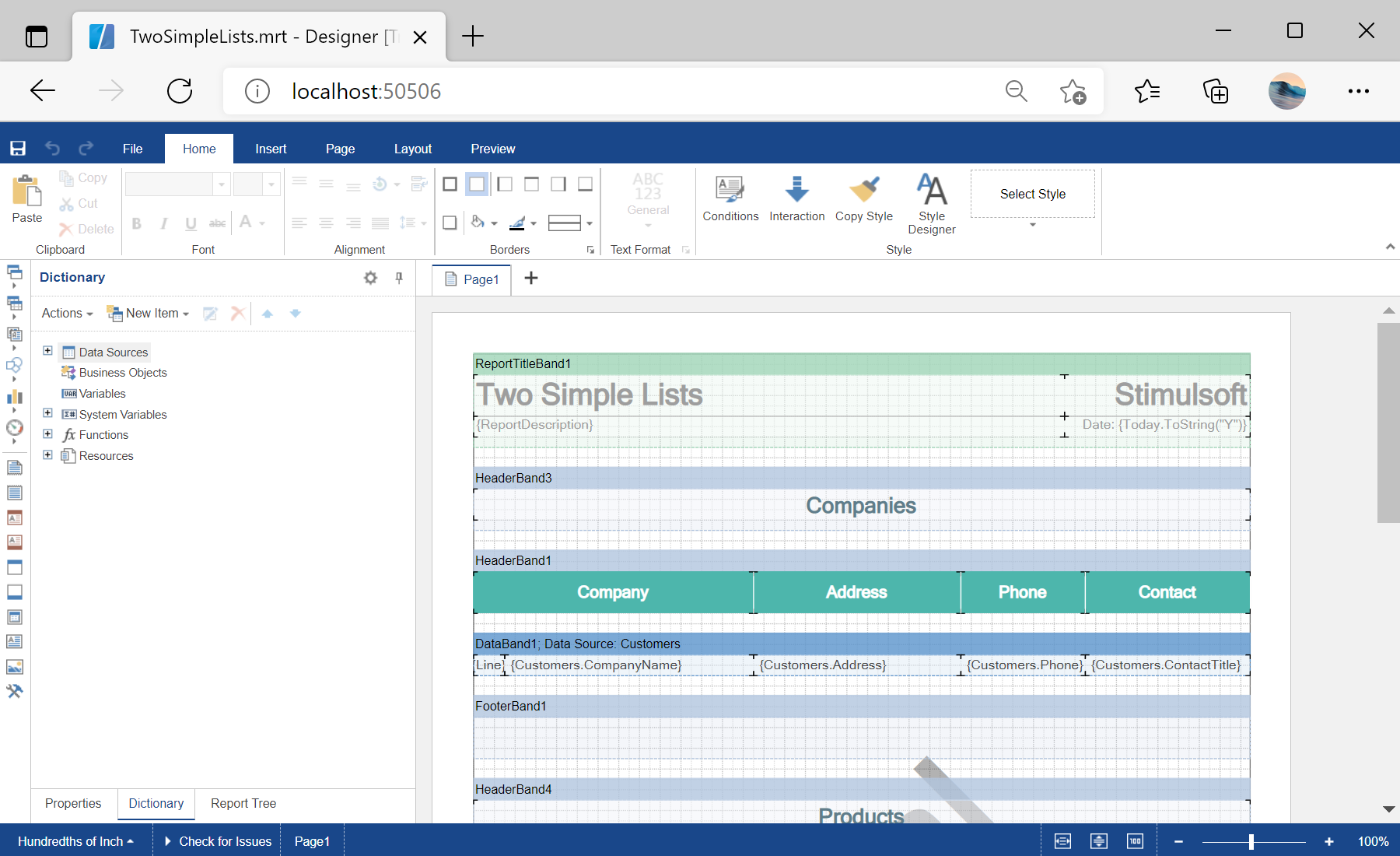
Designer setup. Configure the designer, load the report template, process its callbacks, and connect the save action to the application.
<StiBlazorDesigner Report="@Report" OnSaveReport="@OnSaveReport" />

@code {
    private StiReport Report;

    protected override void OnInitialized()
    {
        this.Report = new StiReport();
        this.Report.Load("Reports/TwoSimpleLists.mrt");
    }

    private void OnSaveReport(StiSaveReportEventArgs args)
    {
        args.Report.Save("Reports/TwoSimpleLists.mrt");
    }
}OnSaveReport callback receives the edited report through args.Report; here it is saved back to a file, but you can store it in a database or any other location.На скриншоте ниже Вы можете увидеть результат выполнения данного кода: