




















Localizing the Viewer
Наши примеры проектов и шаблоны отчётов помогут Вам разобраться в основах работы с нашими продуктами.The viewer interface can be shown in different languages by pointing it to a localization file through the component parameter.
Viewer setup. Configure the viewer, load the report, assign it to the component, and process the requests or events raised by the UI.
На скриншоте ниже Вы можете увидеть результат выполнения данного кода:
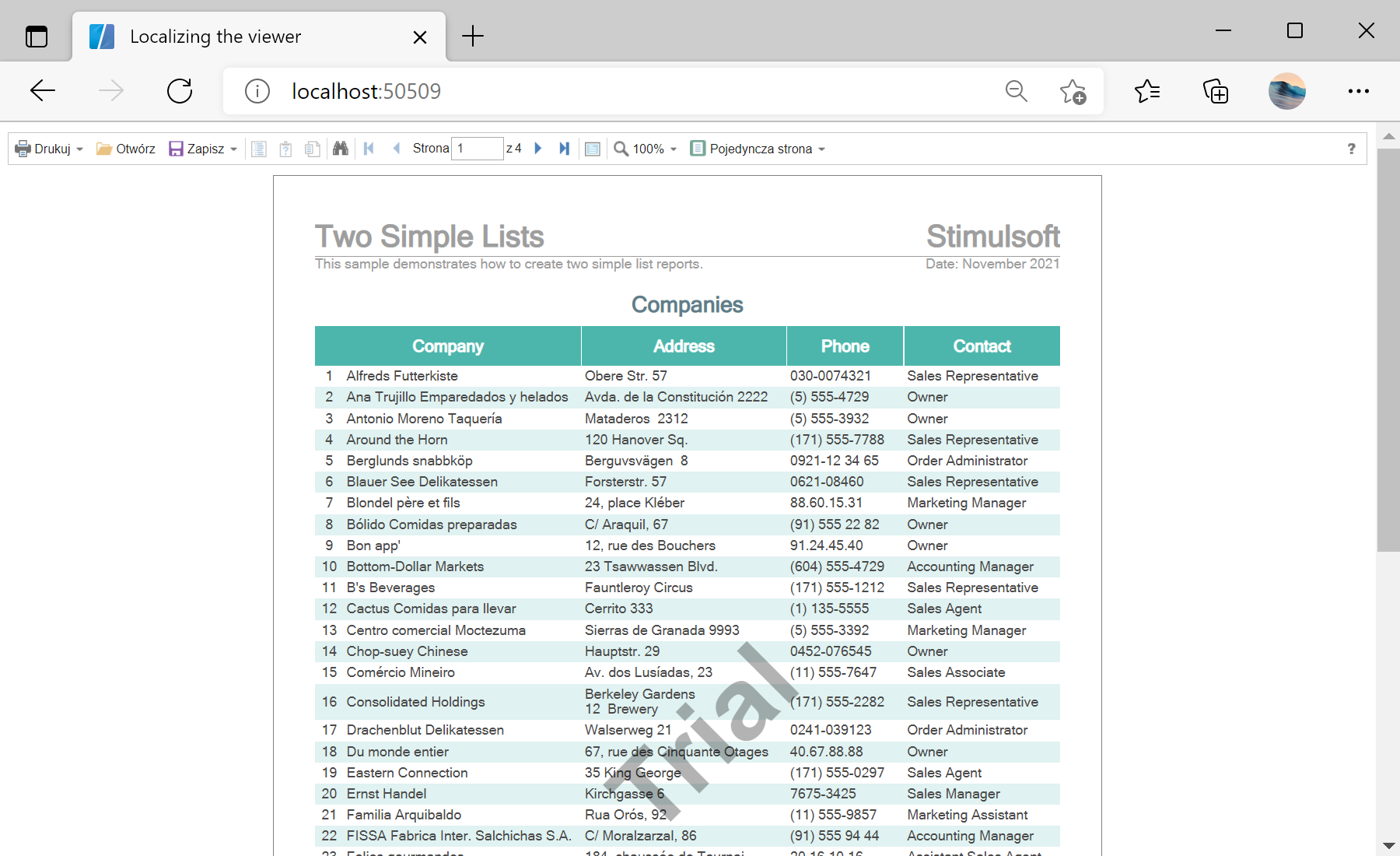
Viewer setup. Configure the viewer, load the report, assign it to the component, and process the requests or events raised by the UI.
<StiBlazorViewer Report="@Report" Localization="Localization/pl.xml" />

@code {
    private StiReport Report;

    protected override void OnInitialized()
    {
        this.Report = new StiReport();
        this.Report.Load("Reports/TwoSimpleLists.mrt");
    }
}Localization parameter loads the given .xml file and switches the whole viewer interface to that language. Localization files ship with the product and can be edited or created for any language.На скриншоте ниже Вы можете увидеть результат выполнения данного кода: