




















Showing a Viewer without Toolbar
Наши примеры проектов и шаблоны отчётов помогут Вам разобраться в основах работы с нашими продуктами.The viewer can be shown without its toolbar for a clean, read-only preview. This example configures viewer options and passes them to the component.
Viewer setup. Configure the viewer, load the report, assign it to the component, and process the requests or events raised by the UI.
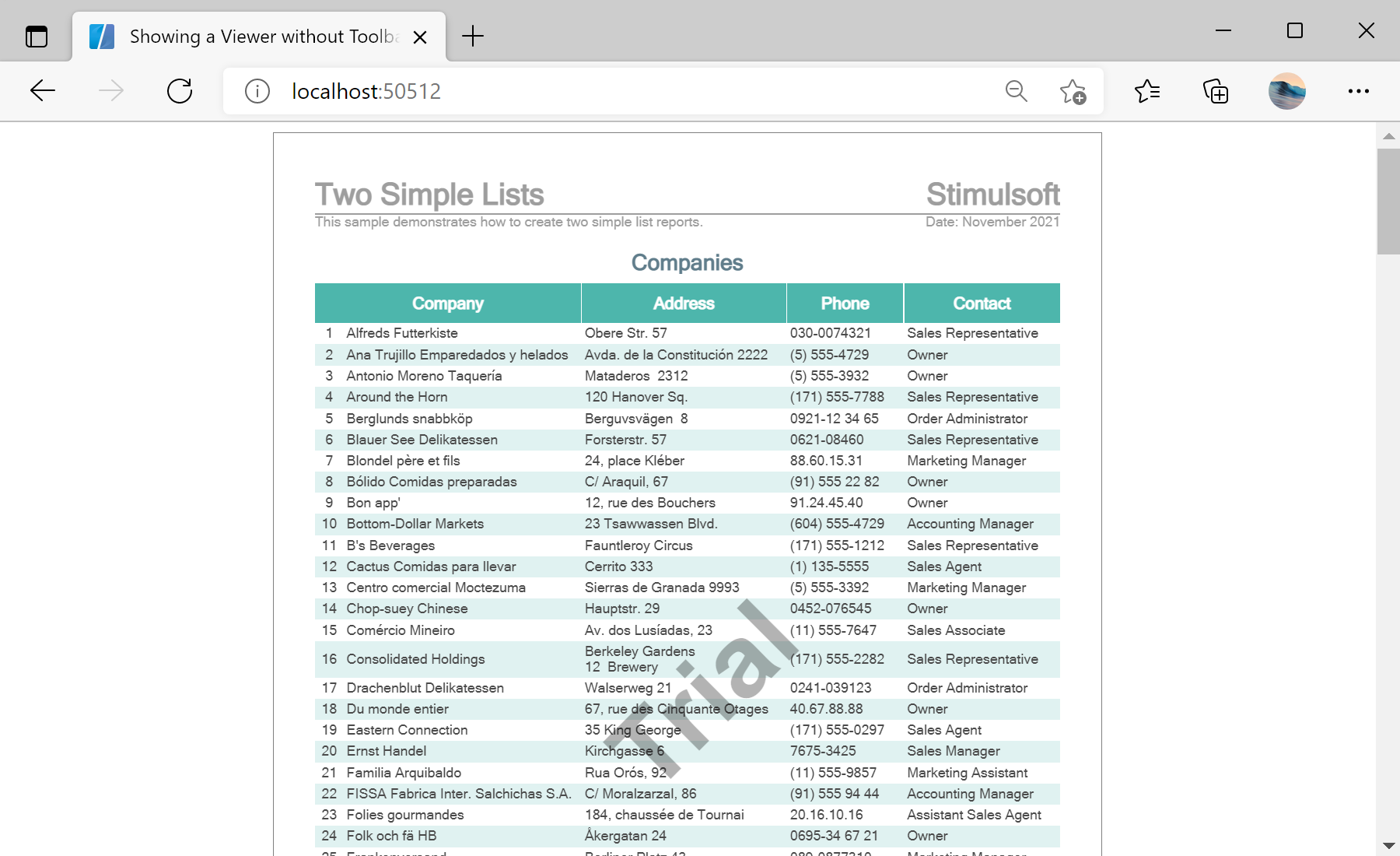
На скриншоте ниже Вы можете увидеть результат выполнения данного кода:
Viewer setup. Configure the viewer, load the report, assign it to the component, and process the requests or events raised by the UI.
<StiBlazorViewer Report="@Report" Options="@Options" />

@code {
    private StiReport Report;
    private StiBlazorViewerOptions Options;

    protected override void OnInitialized()
    {
        base.OnInitialized();
        this.Options = new StiBlazorViewerOptions();
        this.Options.Toolbar.Visible = false;
        this.Options.Toolbar.ViewMode = StiWebViewMode.Continuous;
        this.Options.Appearance.FullScreenMode = true;

        this.Report = new StiReport();
        this.Report.Load("Reports/TwoSimpleLists.mrt");
    }
}StiBlazorViewerOptions object is passed through the Options parameter. Here the toolbar is hidden, all pages are shown continuously, and full-screen mode is enabled.На скриншоте ниже Вы можете увидеть результат выполнения данного кода: