




















Using User Data in Reports
Наши примеры проектов и шаблоны отчётов помогут Вам разобраться в основах работы с нашими продуктами.A
Register the user data. Define its columns and row count, then wire the data event:
How it works. The report pulls values only as it renders, so a virtual data source of any size can be fed row-by-row.
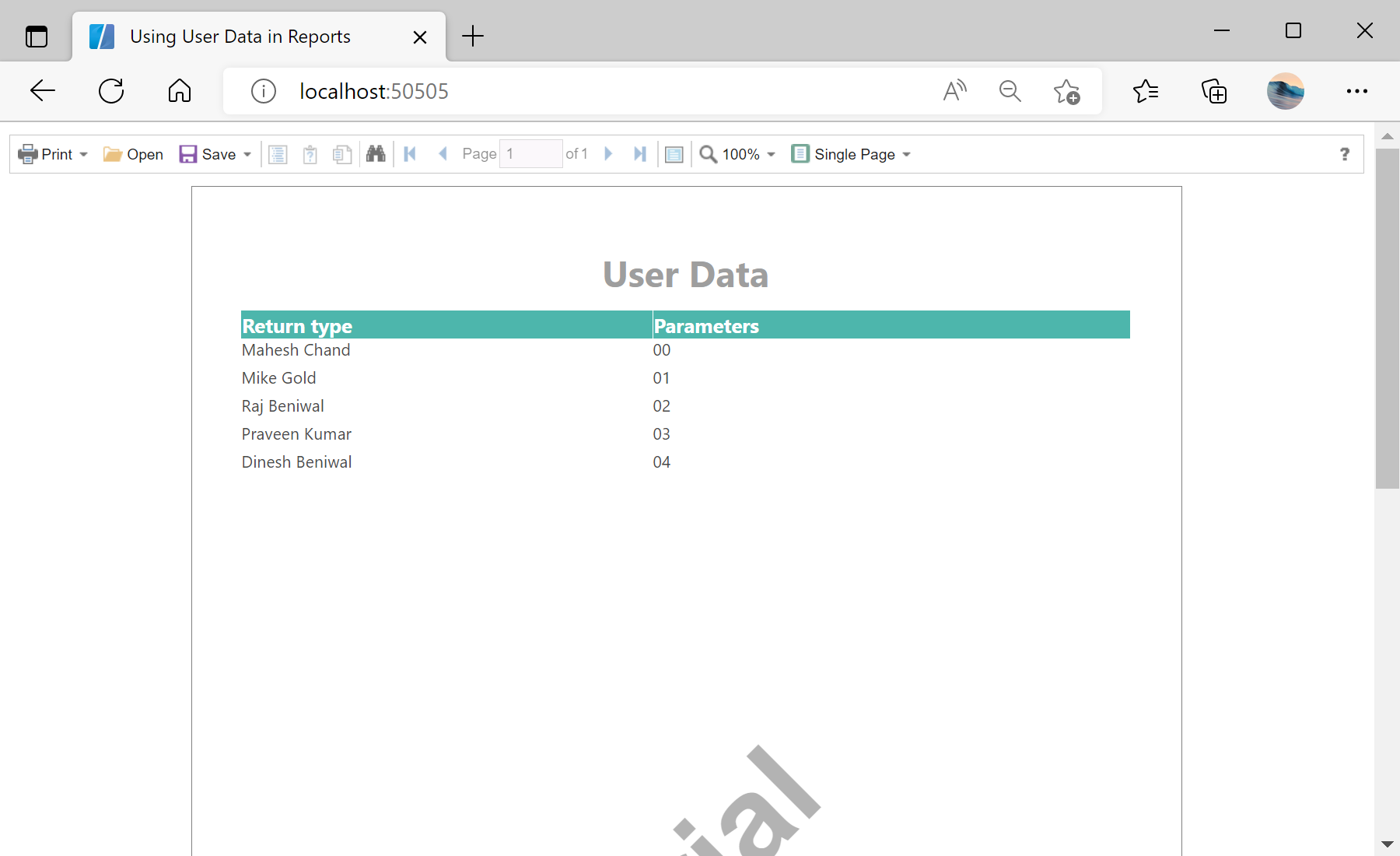
На скриншоте ниже Вы можете увидеть результат выполнения данного кода:
StiUserData component supplies rows on demand through an event — useful when data has no ready-made source.Register the user data. Define its columns and row count, then wire the data event:
var userData = new StiUserData();
userData.Columns.AddRange(new[] {
    new StiDataColumn("Name",  "Name",  "Name",  typeof(string), null),
    new StiDataColumn("Value", "Value", "Value", typeof(string), null) });
userData.Count = 5;
userData.GetData += stiUserData1_GetData;

Report.RegData("UserData", userData);StiUserData.Count— the number of rows the engine will request.GetDataevent — fired per column and row; assigne.Datafrome.ColumnName/e.Position.
How it works. The report pulls values only as it renders, so a virtual data source of any size can be fed row-by-row.
На скриншоте ниже Вы можете увидеть результат выполнения данного кода: