




















Using Designer Events
Наши примеры проектов и шаблоны отчётов помогут Вам разобраться в основах работы с нашими продуктами.The designer raises events for the actions users perform — creating, previewing, saving and exiting a report.
Designer setup. Configure the designer, load the report template, process its callbacks, and connect the save action to the application.
Each event receives the current report through
На скриншоте ниже Вы можете увидеть результат выполнения данного кода:
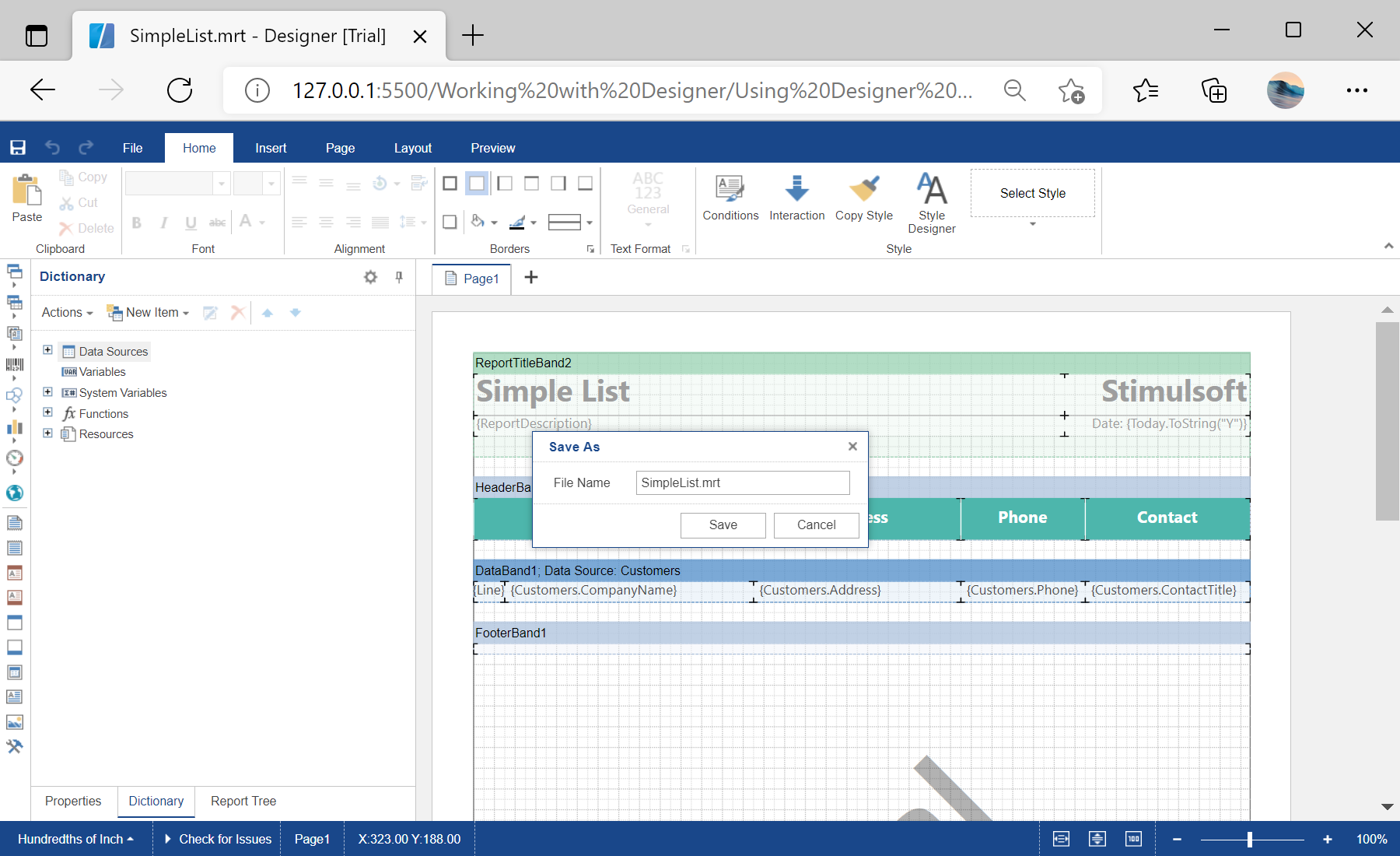
Designer setup. Configure the designer, load the report template, process its callbacks, and connect the save action to the application.
// Configure the designer in full-screen mode
var options = new Stimulsoft.Designer.StiDesignerOptions();
options.appearance.fullScreenMode = true;

var designer = new Stimulsoft.Designer.StiDesigner(options, "StiDesigner", false);

// Persist the edited template
designer.onSaveReport = function (e) {
    var jsonStr = e.report.saveToJsonString();
    alert("Save to JSON string complete.");
};

// Pre-register data for every newly created report
designer.onCreateReport = function (e) {
    var ds = new Stimulsoft.System.Data.DataSet("Demo");
    ds.readJsonFile("../reports/Demo.json");
    e.report.regData("Demo", "Demo", ds);
    e.report.dictionary.synchronize();
};

designer.onPreviewReport = function (e) { };
designer.onExit = function (e) { };

var report = new Stimulsoft.Report.StiReport();
report.loadFile("../reports/SimpleList.mrt");
designer.report = report;

designer.renderHtml("content");
Each event receives the current report through
e.report. onSaveReport is where you persist the template (here serialized with saveToJsonString), and onCreateReport lets you pre-register data for every new report — giving you full control over the editing workflow.На скриншоте ниже Вы можете увидеть результат выполнения данного кода: