




















Rendering a Report in the Thread
Наши примеры проектов и шаблоны отчётов помогут Вам разобраться в основах работы с нашими продуктами.Rendering a large report on a background thread keeps the UI responsive and lets you report progress as pages are built.
Render off the UI thread. Do the work inside a
How it works. Because rendering runs on the worker, the form stays interactive and the button text reflects live progress until the report is shown.
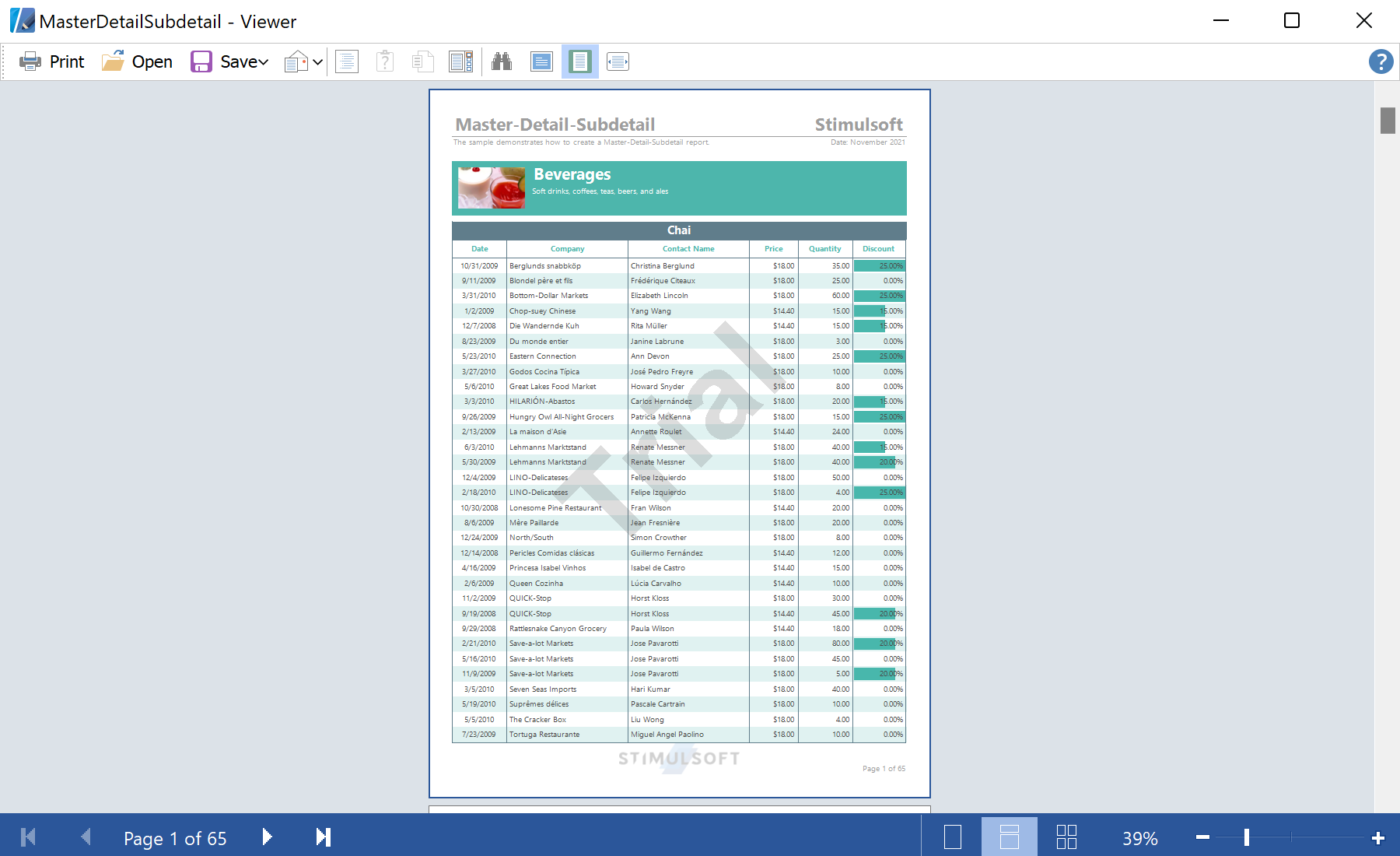
На скриншоте ниже Вы можете увидеть результат выполнения данного кода:
Render off the UI thread. Do the work inside a
BackgroundWorker, subscribing to the engine's progress event:private void backgroundWorker1_DoWork(object sender, DoWorkEventArgs e)
{
report.Load(stream);
report.IsRendered = false;
report.Compile();
report.CompiledReport.Rendering += CompiledReport_Rendering;
report.Render(false);
}
private void CompiledReport_Rendering(object sender, EventArgs e)
{
button1.Invoke((EventHandler)delegate { button1.Text = report.StatusString; });
}Compile()+Render(false)— compile once, then render without showing progress UI on the worker thread.CompiledReport.Renderingevent — fires as pages build; marshalreport.StatusStringback to the UI withInvoke.
How it works. Because rendering runs on the worker, the form stays interactive and the button text reflects live progress until the report is shown.
На скриншоте ниже Вы можете увидеть результат выполнения данного кода: