




















Using the Right-To-Left Mode in the Viewer
Наши примеры проектов и шаблоны отчётов помогут Вам разобраться в основах работы с нашими продуктами.For right-to-left languages such as Arabic or Hebrew, the viewer interface itself can be mirrored. This example enables RTL mode for the viewer.
Enabling RTL. Set the global viewer option before the control is created:
На скриншоте ниже Вы можете увидеть результат выполнения данного кода:
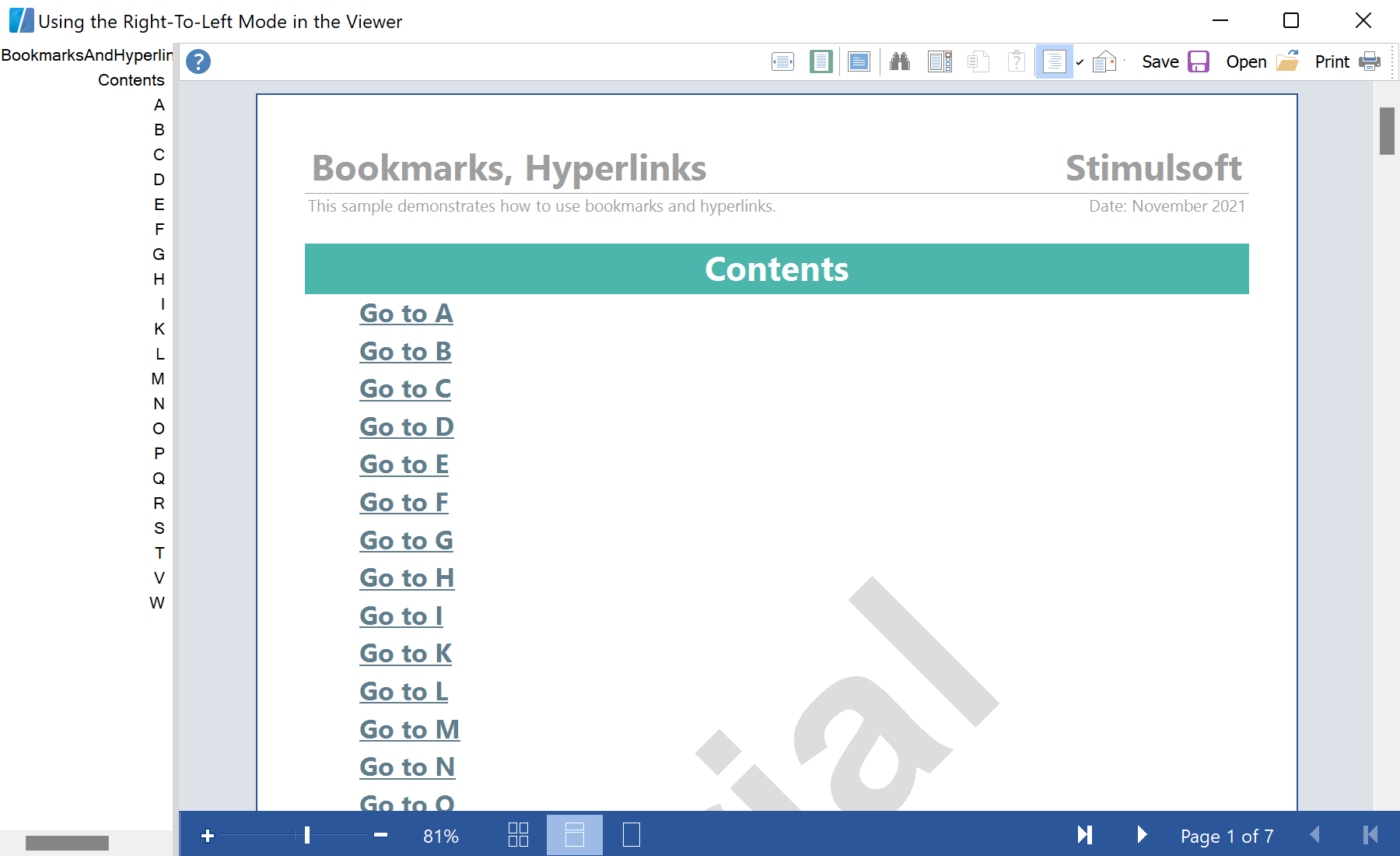
Enabling RTL. Set the global viewer option before the control is created:
StiOptions.Viewer.RightToLeft = StiRightToLeftType.Yes;
InitializeComponent();На скриншоте ниже Вы можете увидеть результат выполнения данного кода: