




















Connecting to Data from Code
Наши примеры проектов и шаблоны отчётов помогут Вам разобраться в основах работы с нашими продуктами.Reports are usually bound to data at design time, but you can also supply the data entirely from code.
Registering data. Load the report template, clear any design-time connections, and register your own data source under a name that matches the data references in the template:
The data itself can come from anywhere — here it is read from an XML file and its schema:
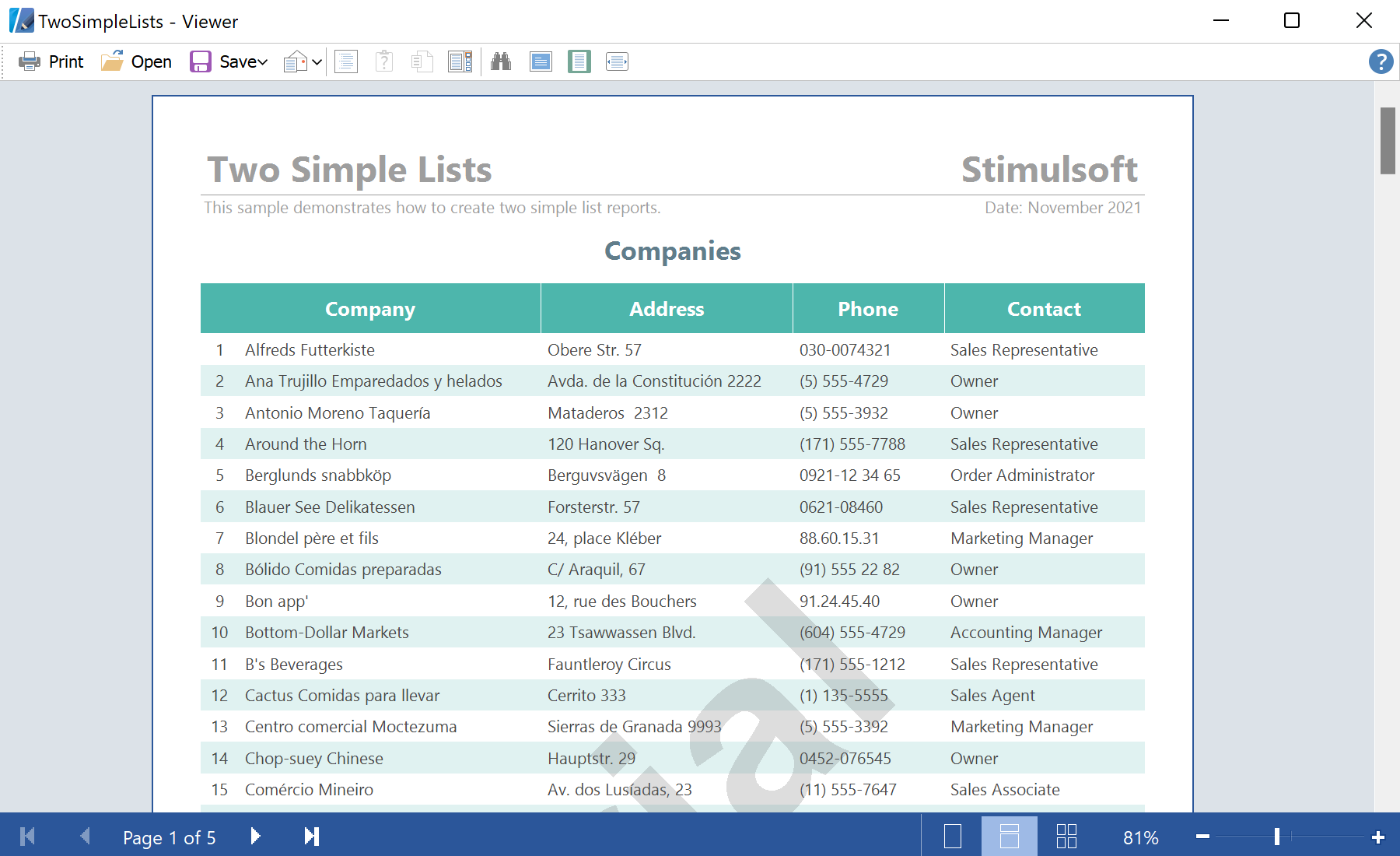
На скриншоте ниже Вы можете увидеть результат выполнения данного кода:
Registering data. Load the report template, clear any design-time connections, and register your own data source under a name that matches the data references in the template:
private void ShowReport(DataSet dataSet)
{
    var report = new StiReport();
    report.Load(@"Reports\TwoSimpleLists.mrt");
    report.Dictionary.Databases.Clear();
    report.RegData("Demo", dataSet);
    report.Show();
}
The data itself can come from anywhere — here it is read from an XML file and its schema:
var dataSet = new DataSet();
dataSet.ReadXmlSchema(@"Data\Demo.xsd");
dataSet.ReadXml(@"Data\Demo.xml");
ShowReport(dataSet);
RegData makes the object available to the report engine; Dictionary.Databases.Clear() removes the connections stored in the template so that only your run-time data is used.На скриншоте ниже Вы можете увидеть результат выполнения данного кода: