




















Changing the Viewer Theme
Наши примеры проектов и шаблоны отчётов помогут Вам разобраться в основах работы с нашими продуктами.The viewer supports many themes and appearance options, set on the PHP options object. This example applies a dark theme and tunes the toolbar.
Viewer setup. Configure the viewer, load the report, assign it to the component, and process the requests or events raised by the UI.
The
На скриншоте ниже Вы можете увидеть результат выполнения данного кода:
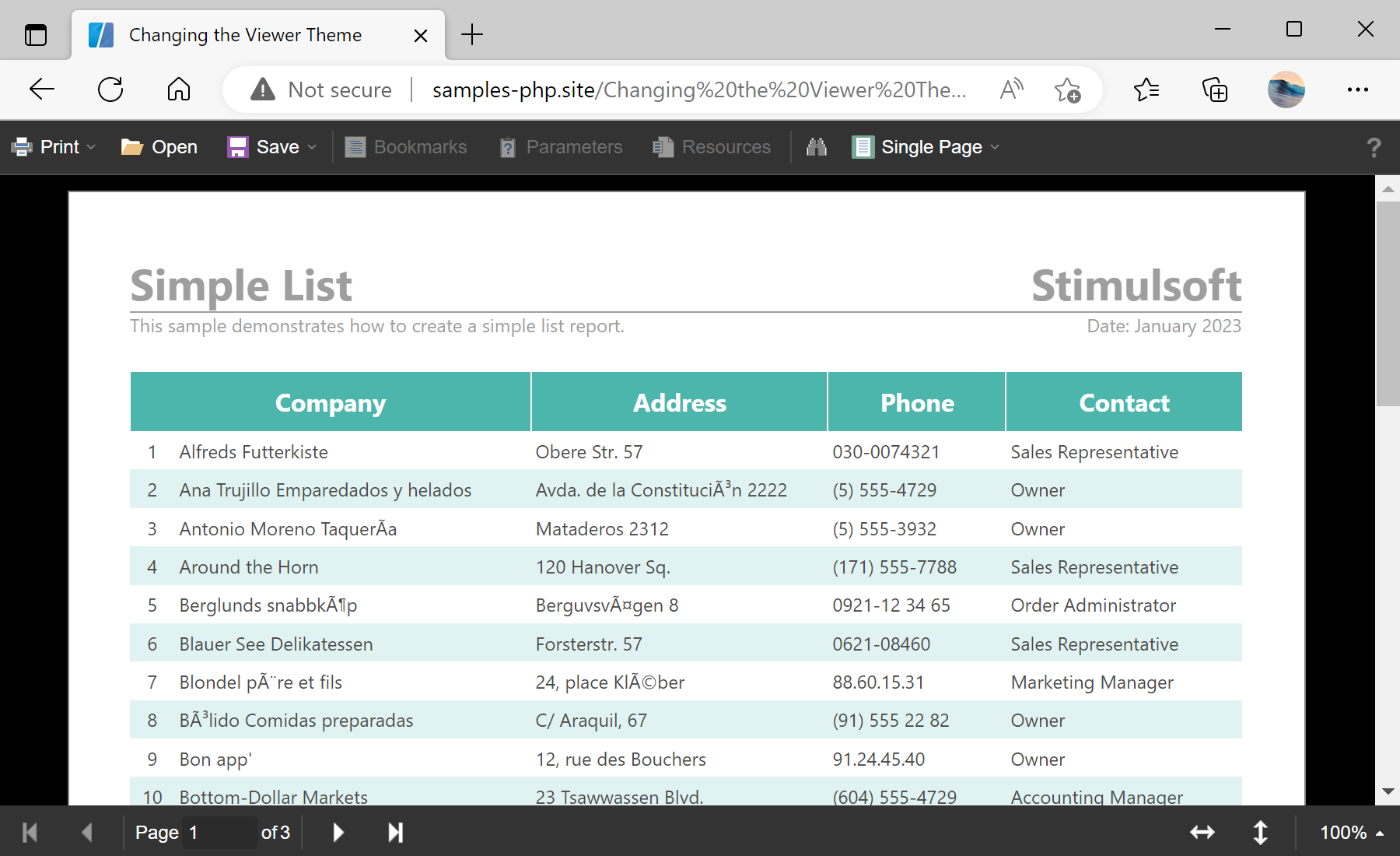
Viewer setup. Configure the viewer, load the report, assign it to the component, and process the requests or events raised by the UI.
$viewer = new StiViewer();
$viewer->options->appearance->fullScreenMode = true;
$viewer->options->appearance->theme = StiViewerTheme::Office2022BlackGreen;
$viewer->options->toolbar->displayMode = StiToolbarDisplayMode::Separated;
$viewer->options->toolbar->showFullScreenButton = false;
$viewer->process();options->appearance->theme— sets the interface theme from theStiViewerThemeenumeration (here a dark green theme).options->appearance->fullScreenMode— makes the viewer occupy the whole browser window.options->toolbar->displayMode— controls how toolbar items are grouped (here separated rows).options->toolbar->showFullScreenButton— hides or shows an individual toolbar button.
The
options->appearance and options->toolbar groups mirror the JavaScript viewer options; the theme comes from StiViewerTheme, so the viewer matches the look of your site.На скриншоте ниже Вы можете увидеть результат выполнения данного кода: