




















Using Parameters in SQL Query
Наши примеры проектов и шаблоны отчётов помогут Вам разобраться в основах работы с нашими продуктами.SQL queries can use parameters whose values you set on the server. This example supplies a parameter value in the onBeginProcessData event.
Supplying values. Create or resolve the input parameter, assign its value before rendering, and pass the prepared report to the viewer or export routine.
The event exposes the query's parameters by name; setting their values on the server lets you filter the data securely, for example limiting a customers report to a specific country.
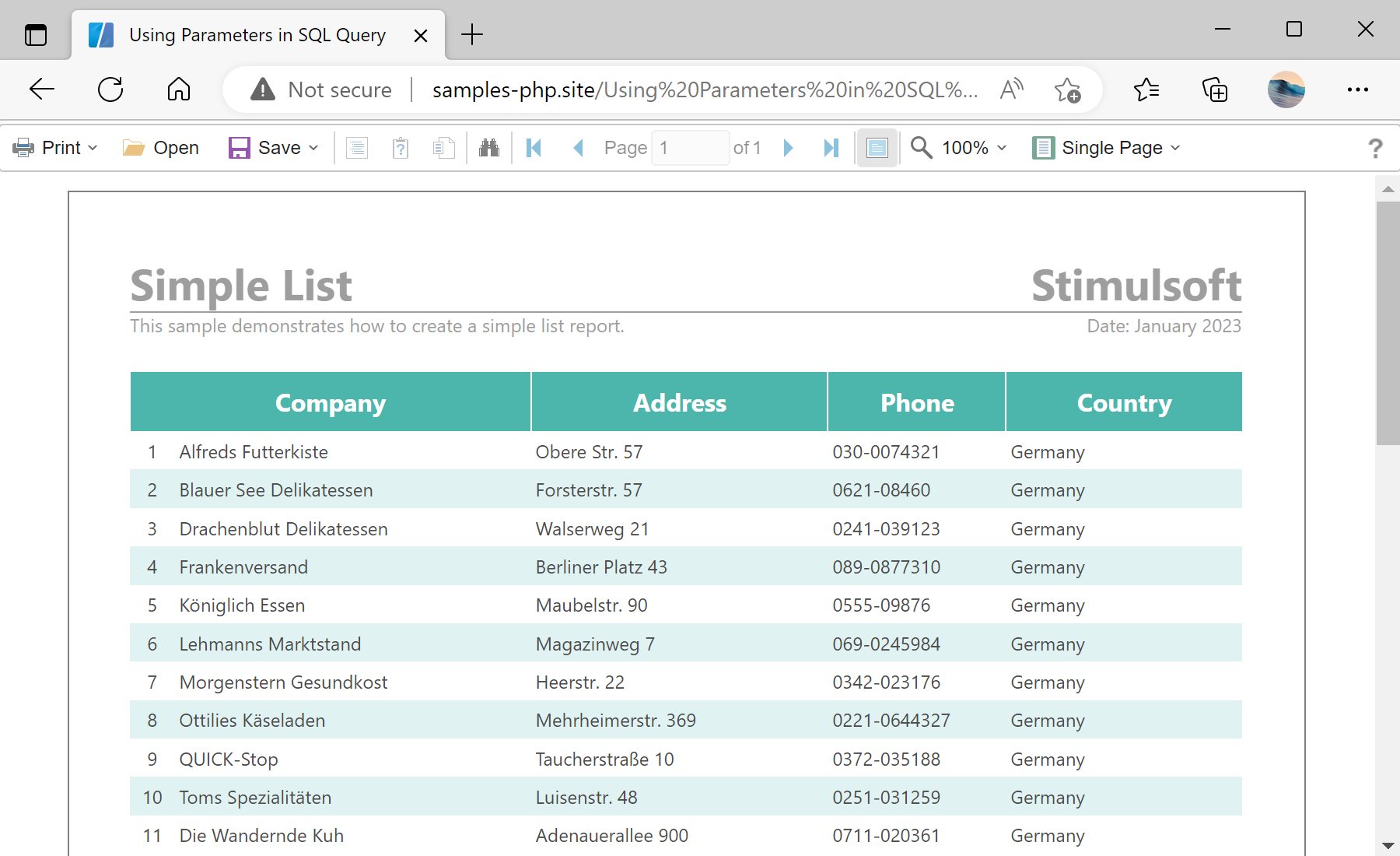
На скриншоте ниже Вы можете увидеть результат выполнения данного кода:
Supplying values. Create or resolve the input parameter, assign its value before rendering, and pass the prepared report to the viewer or export routine.
$viewer->onBeginProcessData = function (StiDataEventArgs $args) {
    if ($args->connection == 'MySQL')
        $args->connectionString = 'Server=localhost; Database=northwind; UserId=root; Pwd=;';
    if ($args->dataSource == 'customers' && count($args->parameters) > 0) {
        $args->parameters['Country']->value = "Germany";
    }
};
$viewer->process();onBeginProcessData— fires on the server before the SQL data is fetched.$args->connectionString— supplies the database connection string for the named connection.$args->parameters['Country']->value— sets the value of a named query parameter (here filtering by country).
The event exposes the query's parameters by name; setting their values on the server lets you filter the data securely, for example limiting a customers report to a specific country.
На скриншоте ниже Вы можете увидеть результат выполнения данного кода: