




















Changing the Viewer Theme
Наши примеры проектов и шаблоны отчётов помогут Вам разобраться в основах работы с нашими продуктами.The web viewer ships with a set of visual themes and configurable appearance options. This example changes the viewer's theme and background color.
Setting the theme. Assign a value from
На скриншоте ниже Вы можете увидеть результат выполнения данного кода:
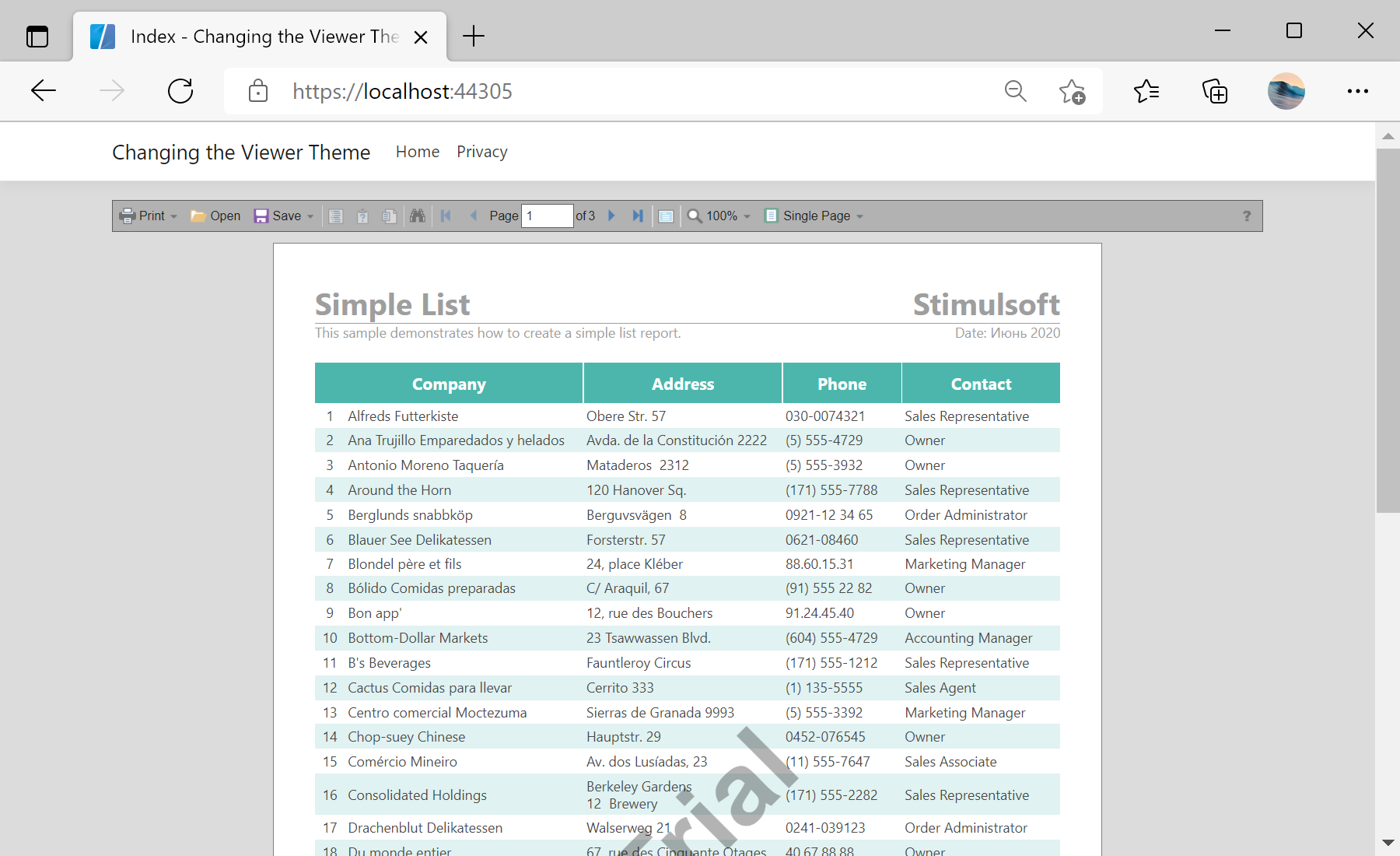
Setting the theme. Assign a value from
StiViewerTheme and adjust the appearance in the viewer options:@using Stimulsoft.Report.Web;
@Html.StiNetCoreViewer(new StiNetCoreViewerOptions()
{
Actions = { GetReport = "GetReport", ViewerEvent = "ViewerEvent" },
Appearance = { BackgroundColor = System.Drawing.Color.Gainsboro },
Theme = StiViewerTheme.Office2013VeryDarkGrayPurple
})Appearance block controls colors, scrollbars and other visual details, so the viewer can be matched to the look of your web application.На скриншоте ниже Вы можете увидеть результат выполнения данного кода: