




















Sending a Report by Email
Наши примеры проектов и шаблоны отчётов помогут Вам разобраться в основах работы с нашими продуктами.Create the document in memory in .NET 6.0 and send it as an e-mail attachment without leaving a temporary file.
Showing the button. Register an
Sending the message. The action retrieves the prepared e-mail options and fills in your SMTP settings:
The options returned by
На скриншоте ниже Вы можете увидеть результат выполнения данного кода:
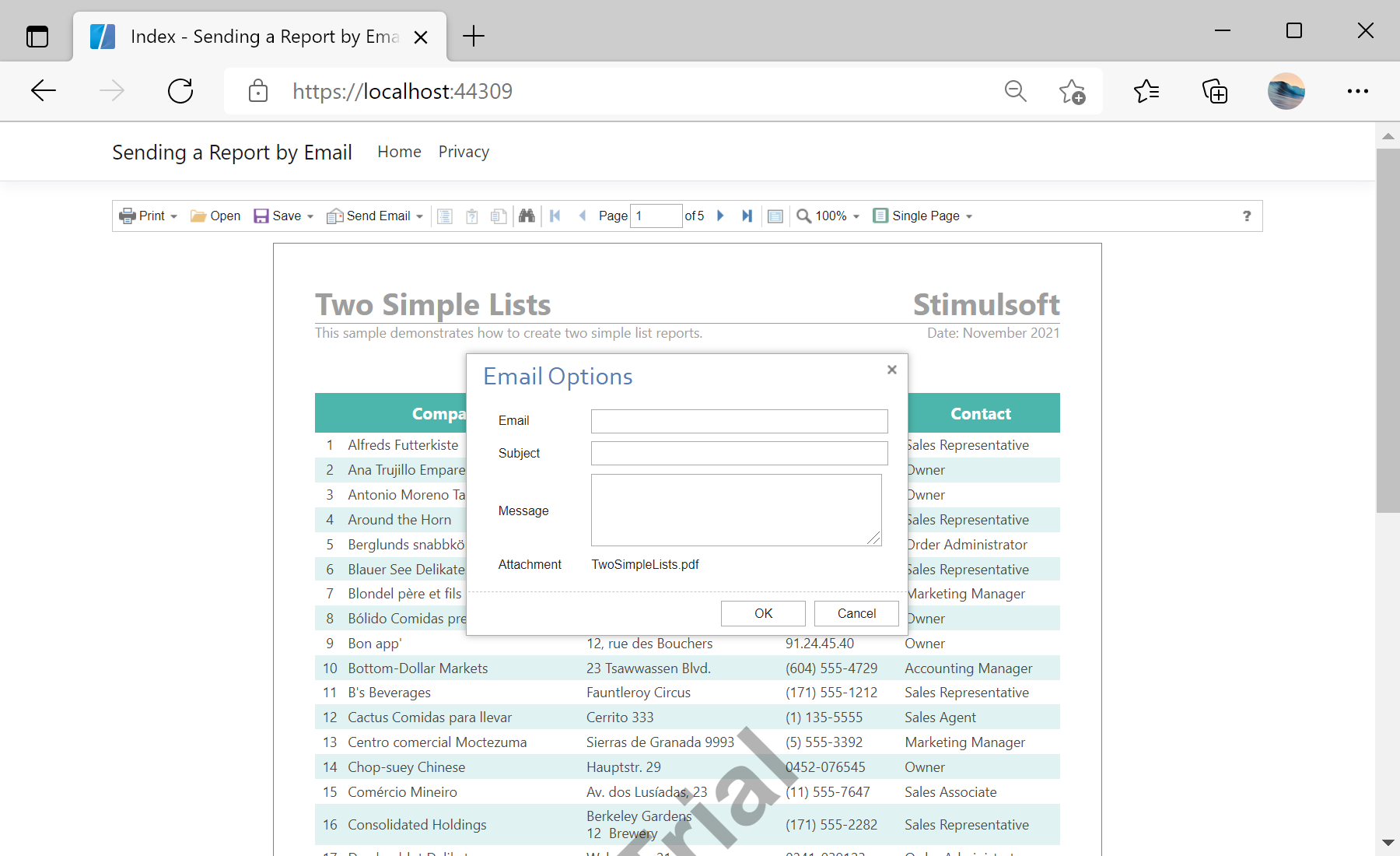
Showing the button. Register an
EmailReport action and turn on the toolbar button:@Html.StiNetCoreViewer(new StiNetCoreViewerOptions()
{
Actions =
{
GetReport = "GetReport",
EmailReport = "EmailReport",
ViewerEvent = "ViewerEvent"
},
Toolbar = { ShowSendEmailButton = true }
})Sending the message. The action retrieves the prepared e-mail options and fills in your SMTP settings:
public IActionResult EmailReport()
{
    var options = StiNetCoreViewer.GetEmailOptions(this);
    options.AddressFrom = "admin@test.com";
    options.Host = "smtp.test.com";
    options.UserName = "admin@test.com";
    options.Password = "************";
    return StiNetCoreViewer.EmailReportResult(this, options);
}
The options returned by
GetEmailOptions already contain the recipient, subject and the exported attachment prepared by the viewer; you only supply the delivery details, and EmailReportResult sends the message.На скриншоте ниже Вы можете увидеть результат выполнения данного кода: