




















Using a Custom Data Adapter
Наши примеры проектов и шаблоны отчётов помогут Вам разобраться в основах работы с нашими продуктами.For a data source that is not built in, you can register a custom data adapter and use it in the web designer.
Registering the adapter. Add your custom database and adapter service to the global
Using the database. Add the custom database with a connection string to the report and open it in the designer:
The custom adapter is a small set of classes describing how to connect and read data; once registered, the new data source appears in the web designer like any built-in one.
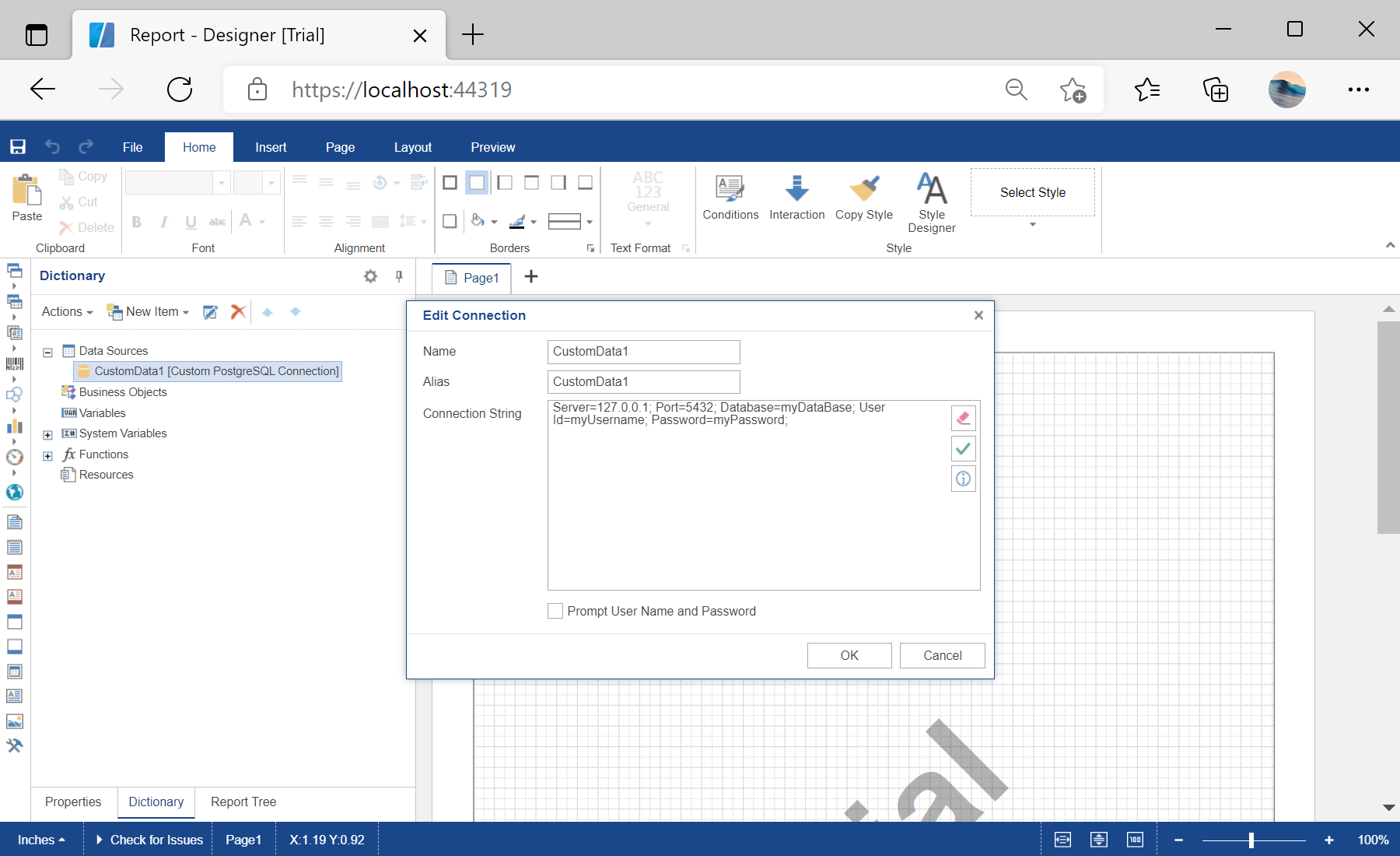
На скриншоте ниже Вы можете увидеть результат выполнения данного кода:
Registering the adapter. Add your custom database and adapter service to the global
StiOptions.Services collections, for example in the controller's static constructor:static DesignerController()
{
StiOptions.Services.Databases.Clear();
StiOptions.Services.Databases.Add(new CustomPostgreSQLDatabase());
StiOptions.Services.DataAdapters.Add(new CustomPostgreSQLAdapterService());
}Using the database. Add the custom database with a connection string to the report and open it in the designer:
public IActionResult GetReport()
{
    var report = new StiReport();
    var database = new CustomPostgreSQLDatabase("CustomData1",
        "Server=127.0.0.1; Port=5432; Database=myDataBase; User Id=myUsername; Password=myPassword;");
    report.Dictionary.Databases.Add(database);
    return StiNetCoreDesigner.GetReportResult(this, report);
}
The custom adapter is a small set of classes describing how to connect and read data; once registered, the new data source appears in the web designer like any built-in one.
На скриншоте ниже Вы можете увидеть результат выполнения данного кода: