




















Creating a Custom Parameter Panel for the Viewer
Наши примеры проектов и шаблоны отчётов помогут Вам разобраться в основах работы с нашими продуктами.Instead of the built-in parameter panel, you can build your own HTML form and feed its values to the viewer through the client API.
Submitting values. Collect the inputs and post them to the viewer as an interaction:
Driving the viewer. The same client API can trigger built-in actions such as page navigation:
На скриншоте ниже Вы можете увидеть результат выполнения данного кода:
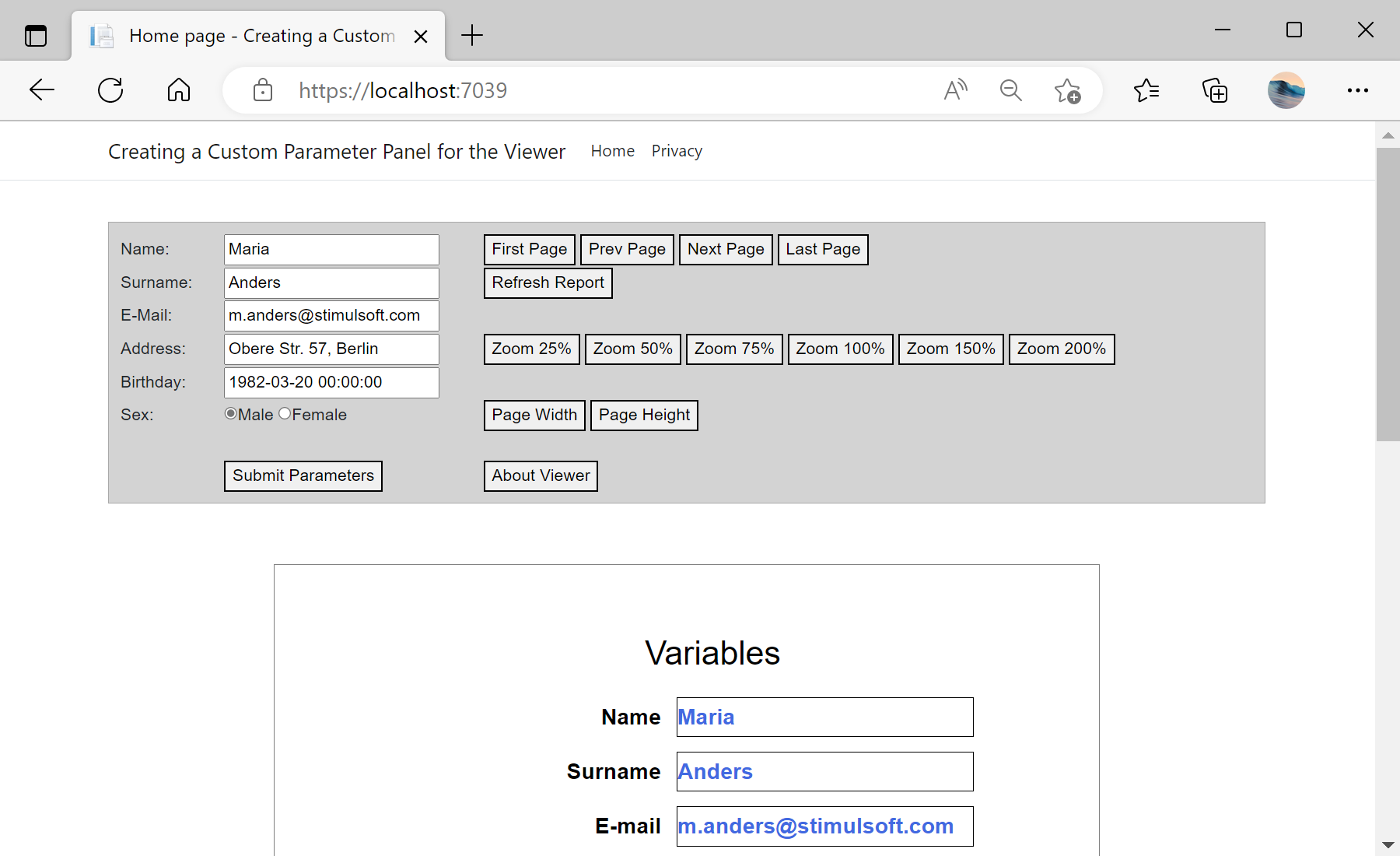
Submitting values. Collect the inputs and post them to the viewer as an interaction:
function viewerSubmitParameters() {
    var params = {
        action: "Variables",
        variables: {
            "Name": document.getElementById("name").value,
            "Email": document.getElementById("email").value
        }
    };
    jsStiNetCoreViewer1.postInteraction(params);
}
Driving the viewer. The same client API can trigger built-in actions such as page navigation:
<button onclick="jsStiNetCoreViewer1.postAction('FirstPage')">First Page</button>
<button onclick="jsStiNetCoreViewer1.postAction('PrevPage')">Prev Page</button>
postInteraction sends your variables to the server (where the report is re-rendered with them), while postAction invokes standard viewer commands — together they replace the default parameter panel with a fully custom interface.На скриншоте ниже Вы можете увидеть результат выполнения данного кода: